 Bee203
Features
Route planner and client map for daily visits
Plan the day's visits in a minute
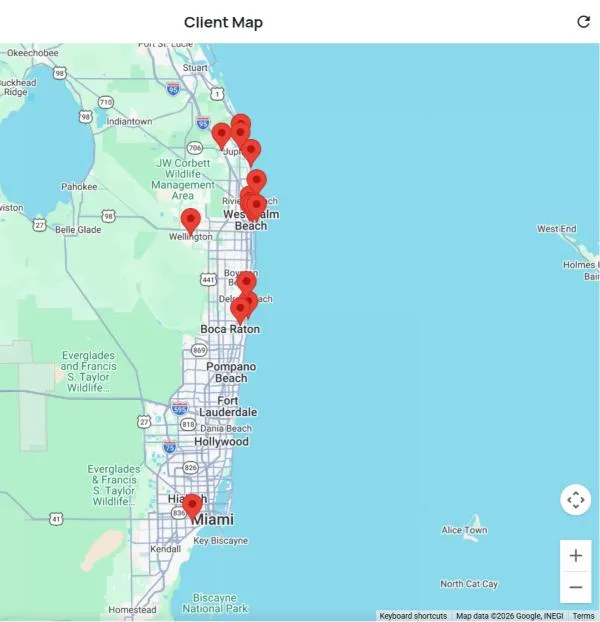
See every client on a map, build the day's route in order, check in at each stop, and find new businesses nearby.
What it does for you
Your clients on a mapEvery client as a pin, ready to plan from.
Optimized routesPick the stops and Bee203 puts them in order.
Check-insEvery visit is logged on the client's history.
Find NearbyDiscover businesses around you to visit next.
Included in
Tap a plan to see what it includes:
| Free | Starter | Books | Pro | Business | |
|---|---|---|---|---|---|
| Client map | ✓ | ✓ | ✓ | ✓ | ✓ |
| Visit routes and check-ins | – | ✓ | ✓ | ✓ | ✓ |
| Find Nearby and Smart Lookup, per day | – | 10 | 25 | 100 | 500 |
See every plan side by side on the Features page.
Watch this part
Routes and client map · Watch this video on its own page →
Questions
Related features
Client management software: every client, one tap awayStop digging through texts, notes and memory.See how it works →
Customer follow-up reminders that stop lost jobsSet the next step and its date on any client.See how it works →
A voice CRM: just say it, Bee203 types itOn the job site or in the car, tap the help button, then the microphone, and tell Bee203 what you need.See how it works →
Try it with your own clients
Start free. No card needed.