 Bee203
Clients in one tap
Stop digging through texts, notes and memory.
Read how it works: Client management software: every client, one tap awayWatch the full tour (4:42)
Transcript
Here are all your clients. Open one and everything is there: every call, every visit, every quote. Call, text or send a WhatsApp with one tap, right from the client's page.
More Bee203 videos
 Bee203 tour4:42See how it works →
 Why Bee2030:12See how it works →
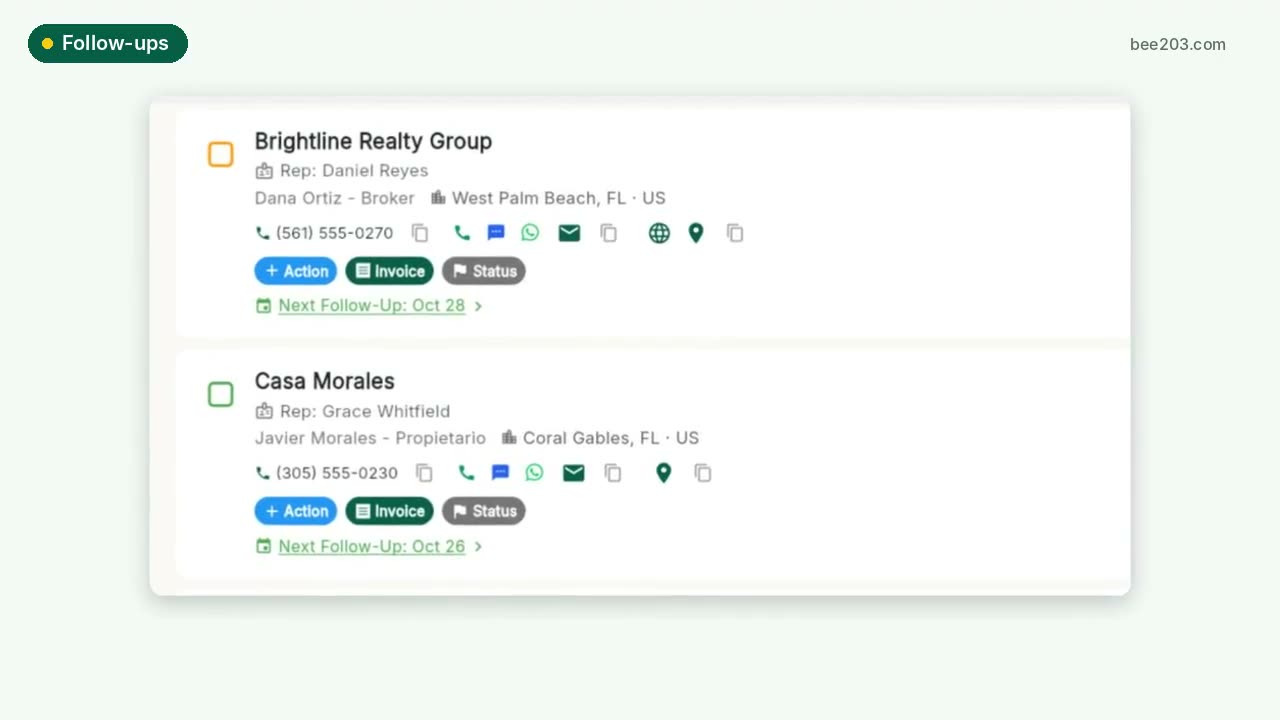 Follow-ups that don't slip0:15See how it works →
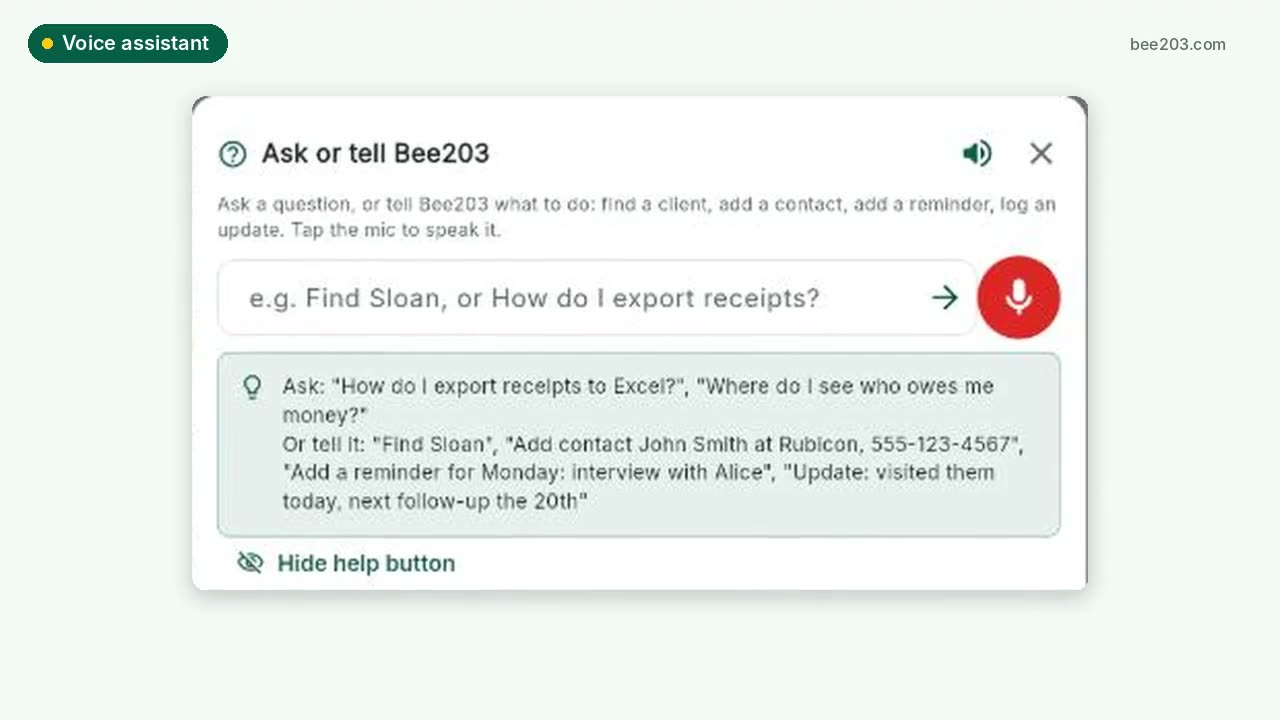 Voice assistant0:20See how it works →
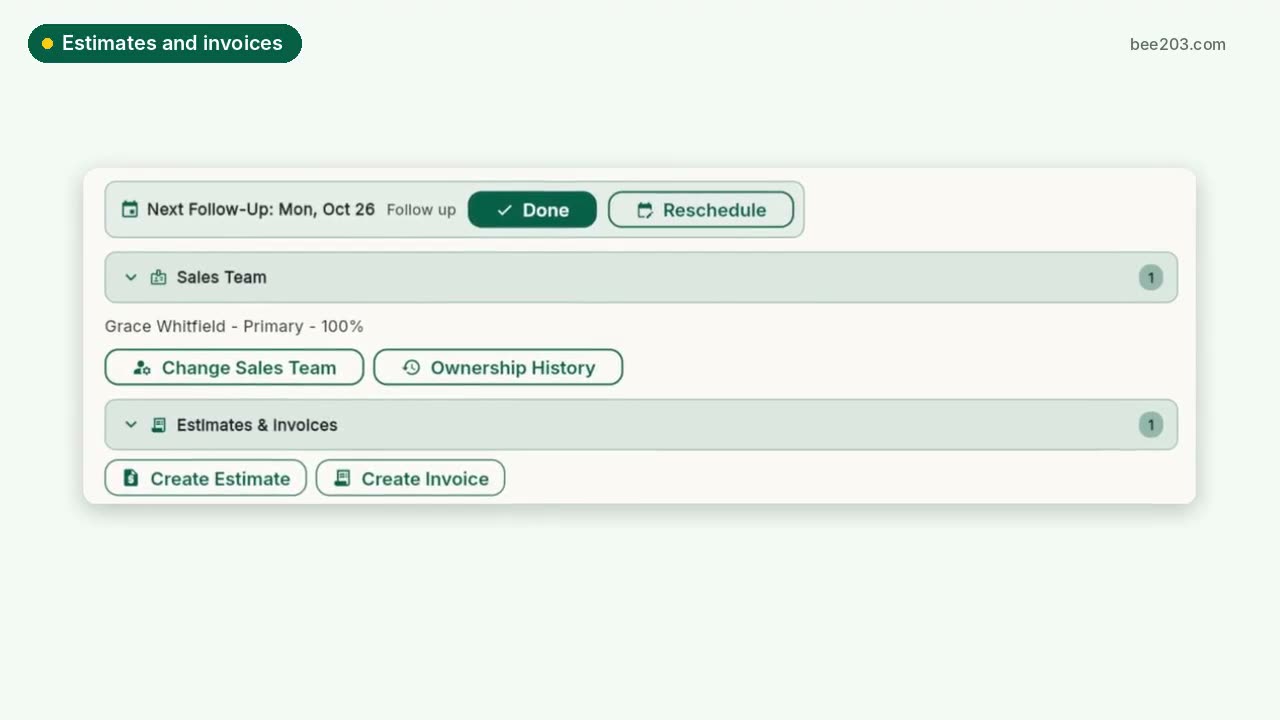 Estimates, invoices and card payments0:25See how it works →
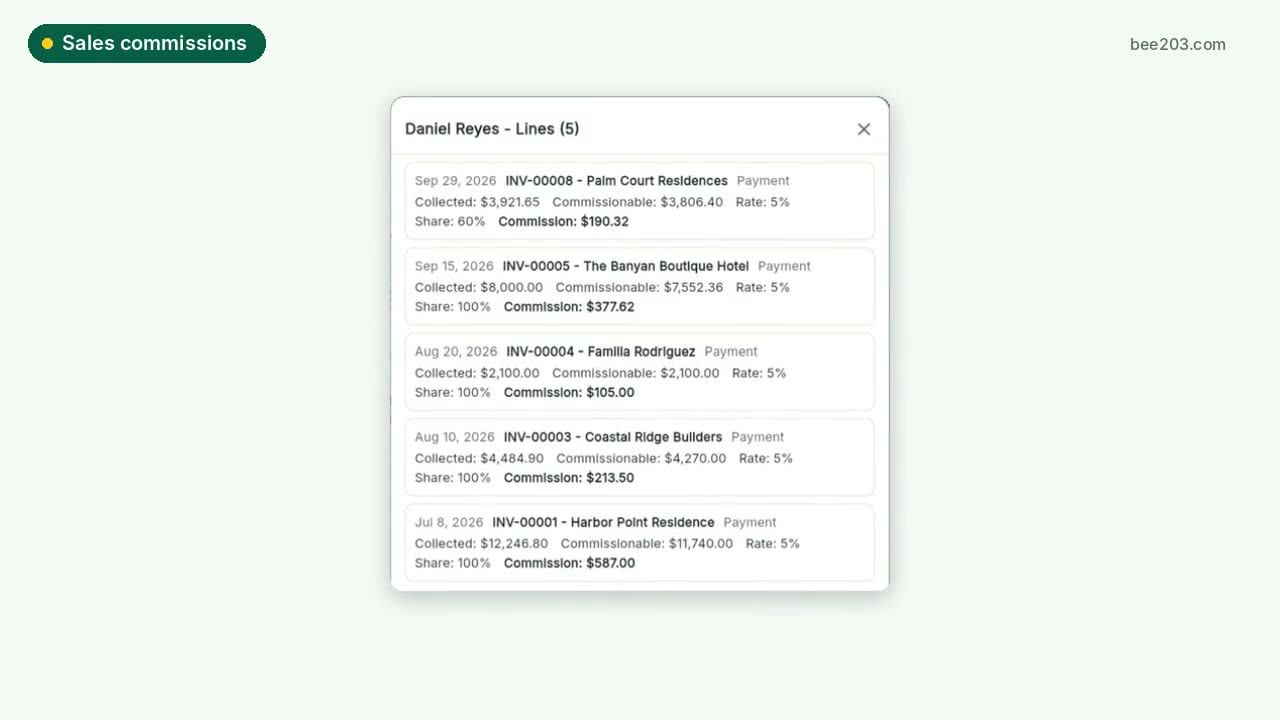 Sales commissions and bonuses0:30See how it works →
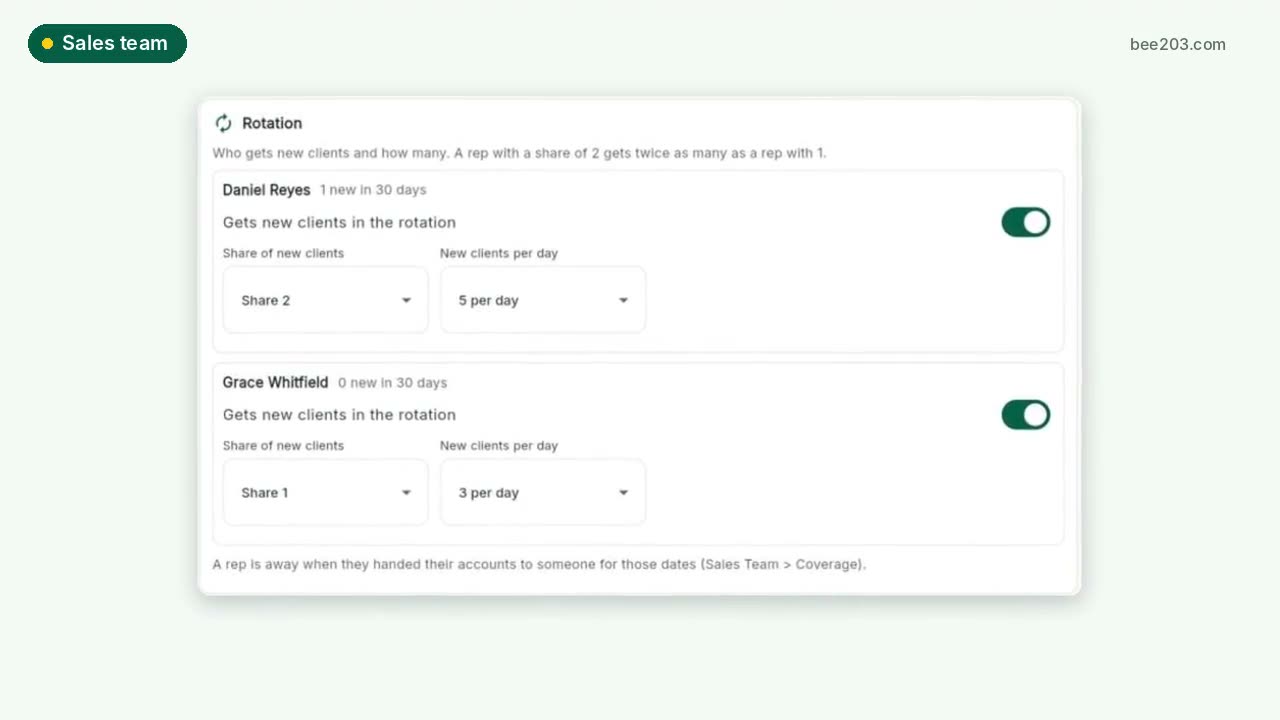 Sales team: rotation, grades, targets0:30See how it works →
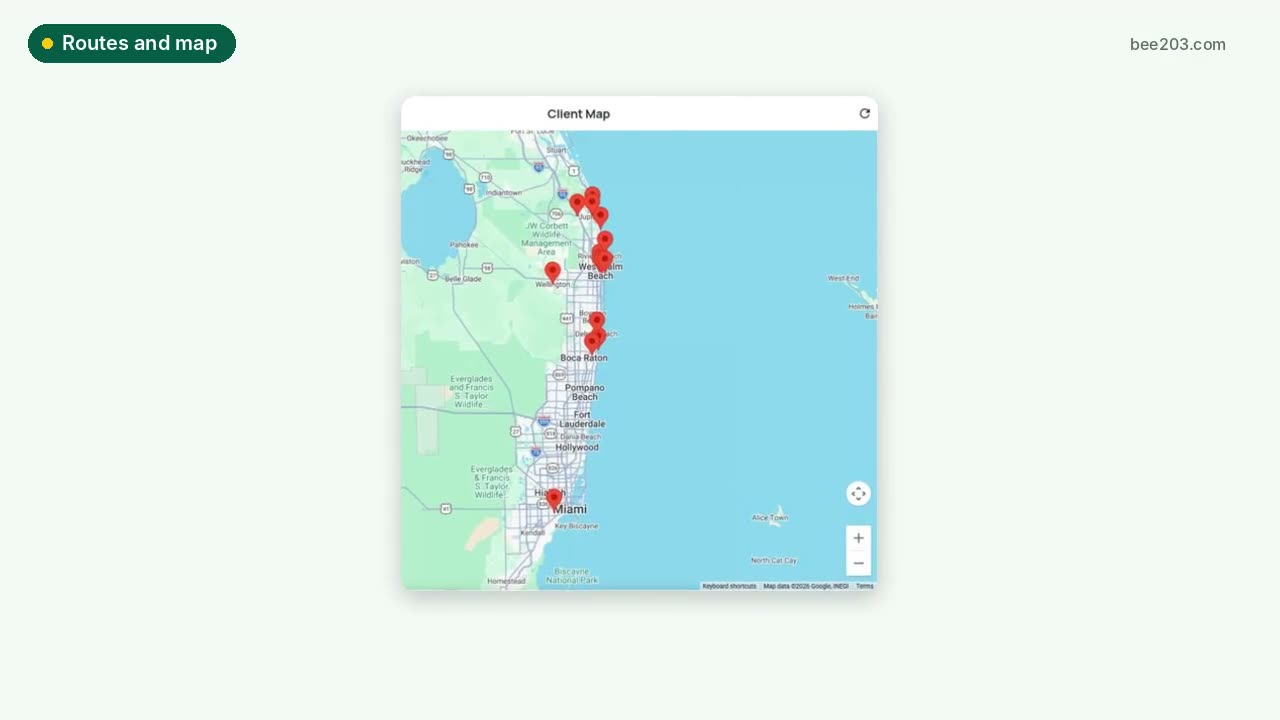 Routes and client map0:15See how it works →
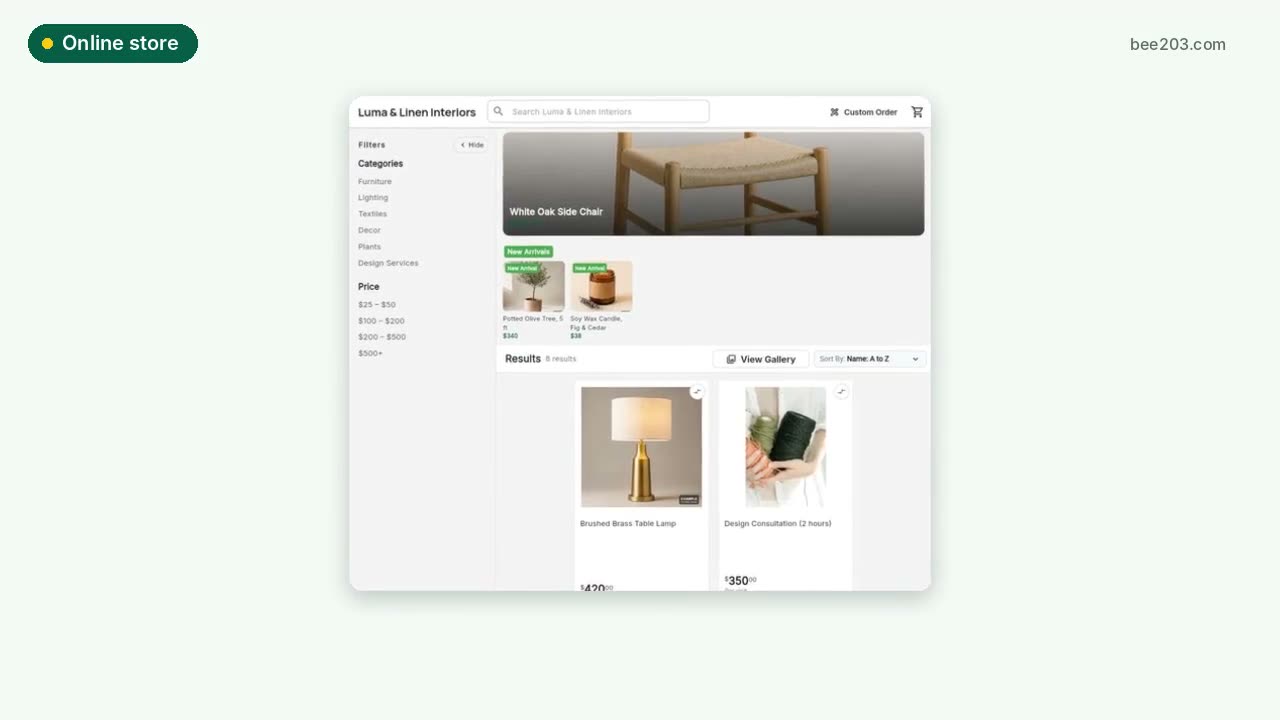 Online store0:15See how it works →
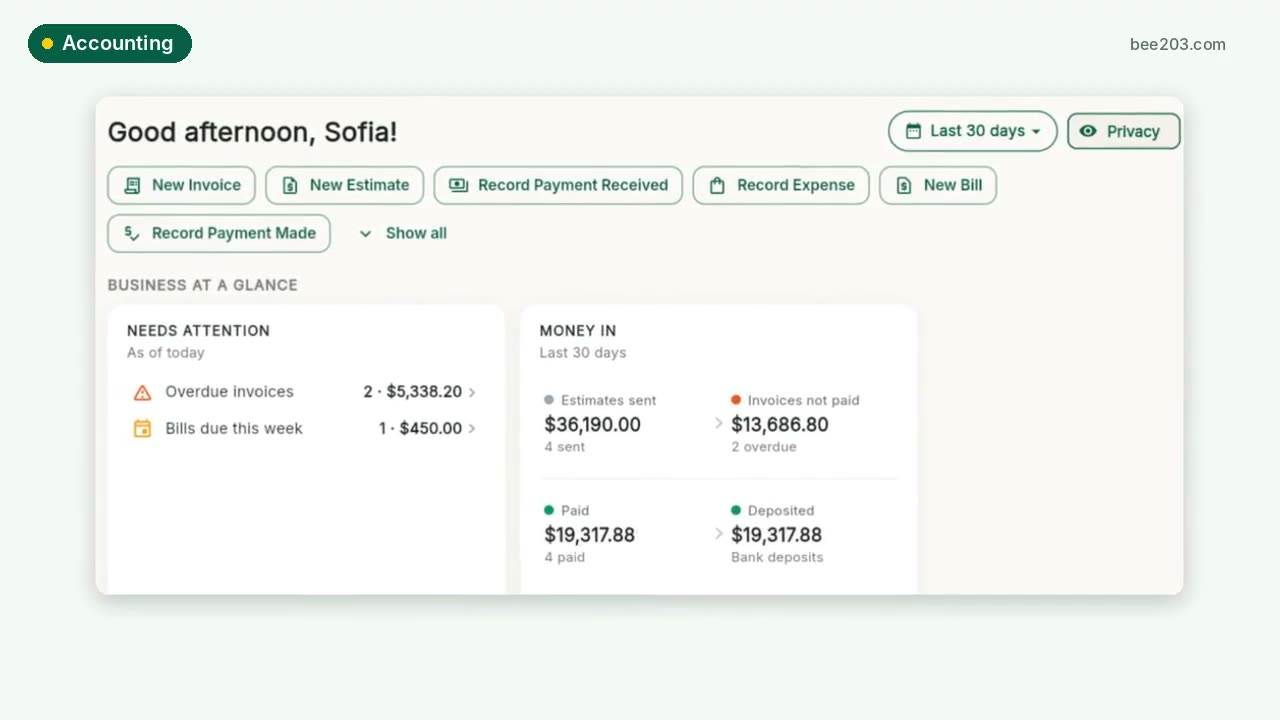 Accounting and job profit0:25See how it works →
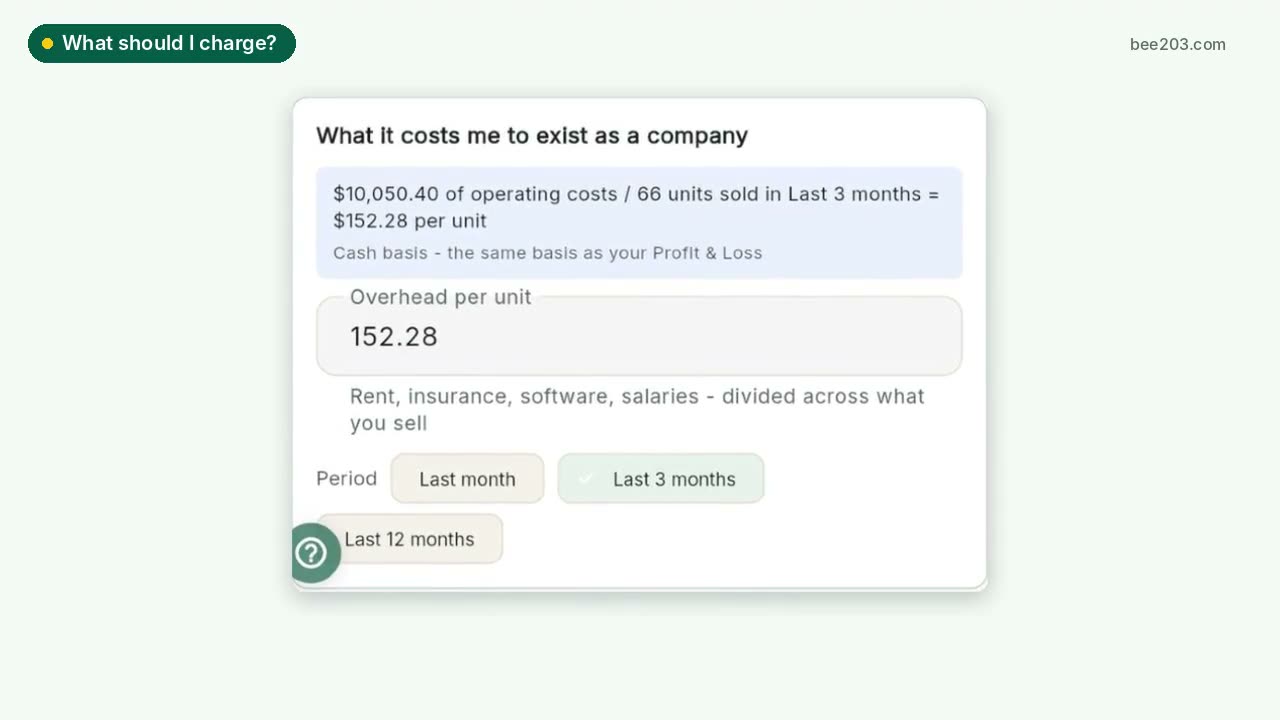 What should I charge?0:25See how it works →
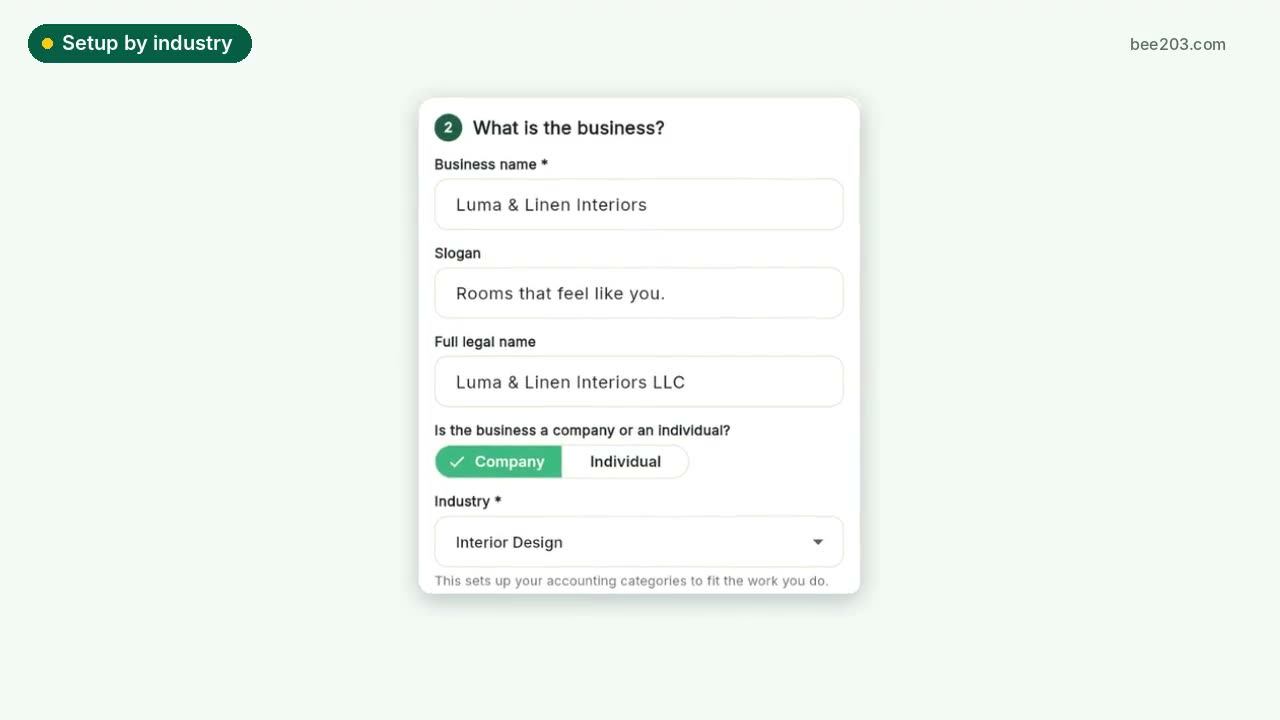 Setup by industry0:20See how it works →
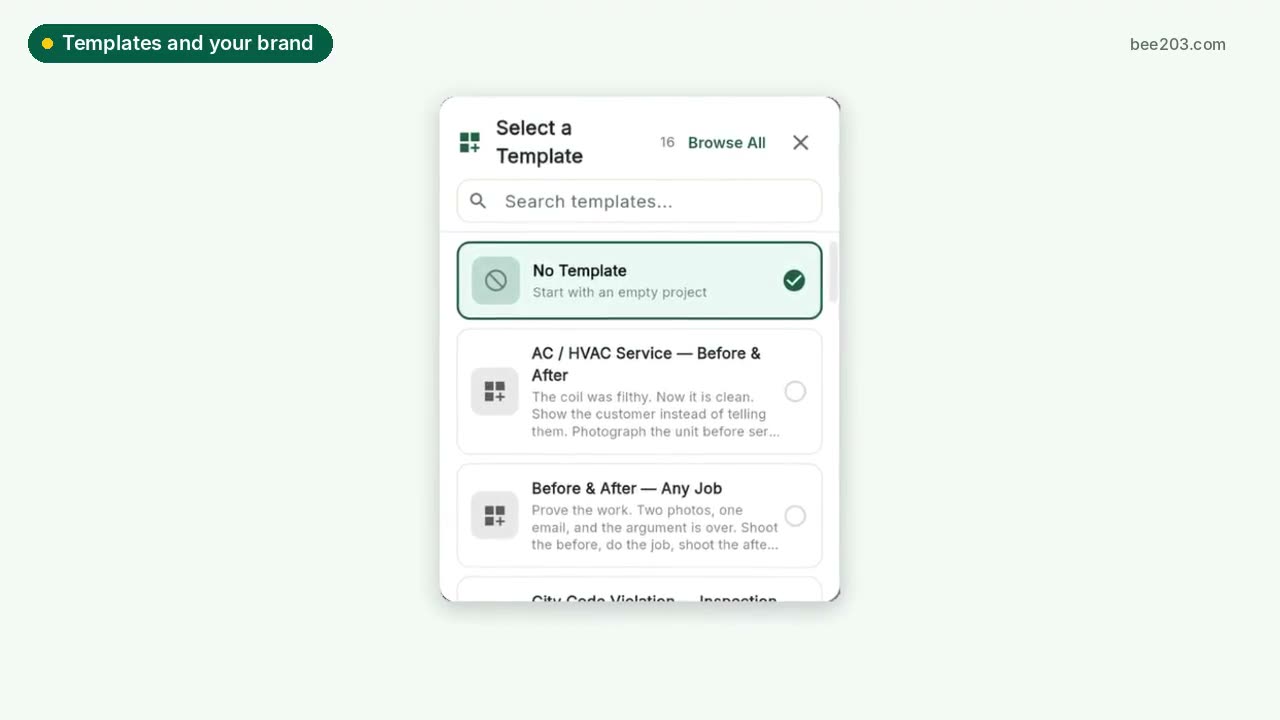 Templates and your brand0:15See how it works →
 Client Project PortalA private portal per client job: room budgets, approvals, client-safe PDF and Excel reports, deposit invoices and job profit.See how it works →
 Designer training: Client Project PortalSet up rooms, propose items, invite your client to approve or decline, and track every order to installed. Video and step by step.See how it works →