 Bee203
Sales team: rotation, grades, targets
Bee203 decides who gets each new client, reminds reps who to call, and shows you how the team is doing, so no lead goes cold and your best accounts are never forgotten.
Read how it works: A sales team CRM that sends every lead to the right repWatch the full tour (4:42)
Transcript
New leads go to the next rep in turn, so it's fair. If nobody calls a lead in time, Bee203 can pass it on. Grade your best accounts A, B or C, set targets, and watch the team's pipeline and leaderboard in one view.
More Bee203 videos
 Bee203 tour4:42See how it works →
 Why Bee2030:12See how it works →
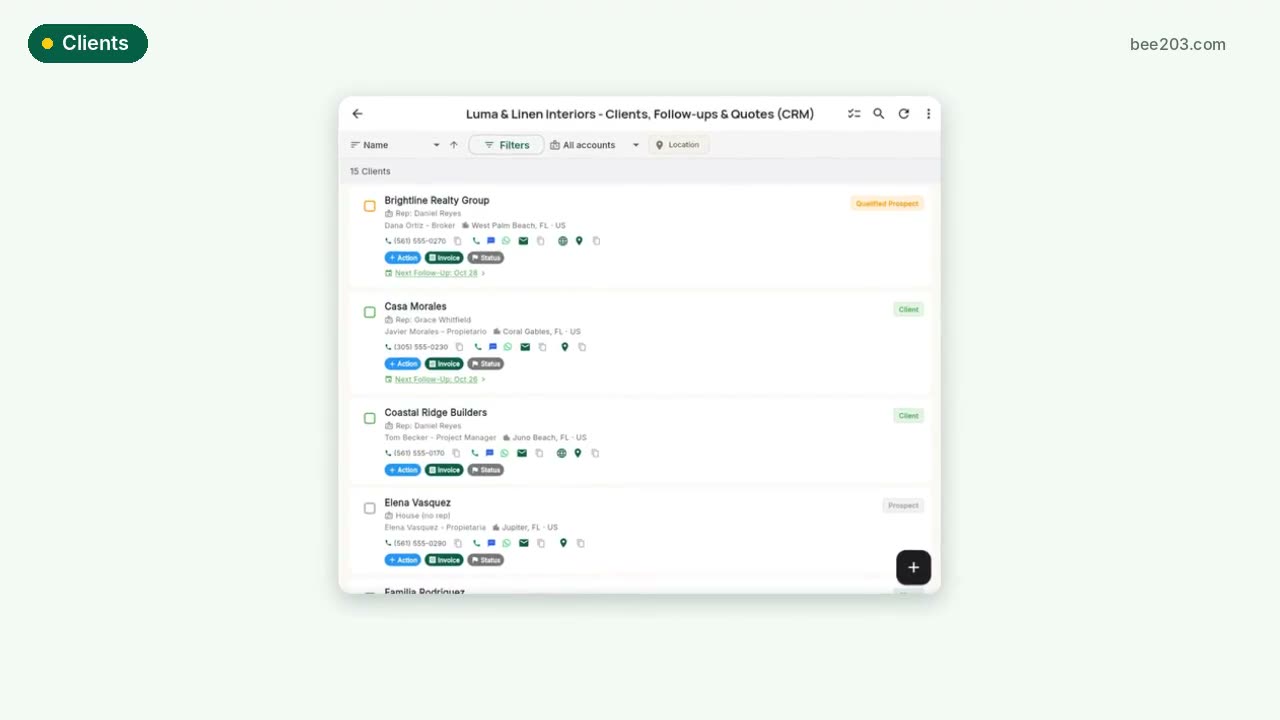 Clients in one tap0:20See how it works →
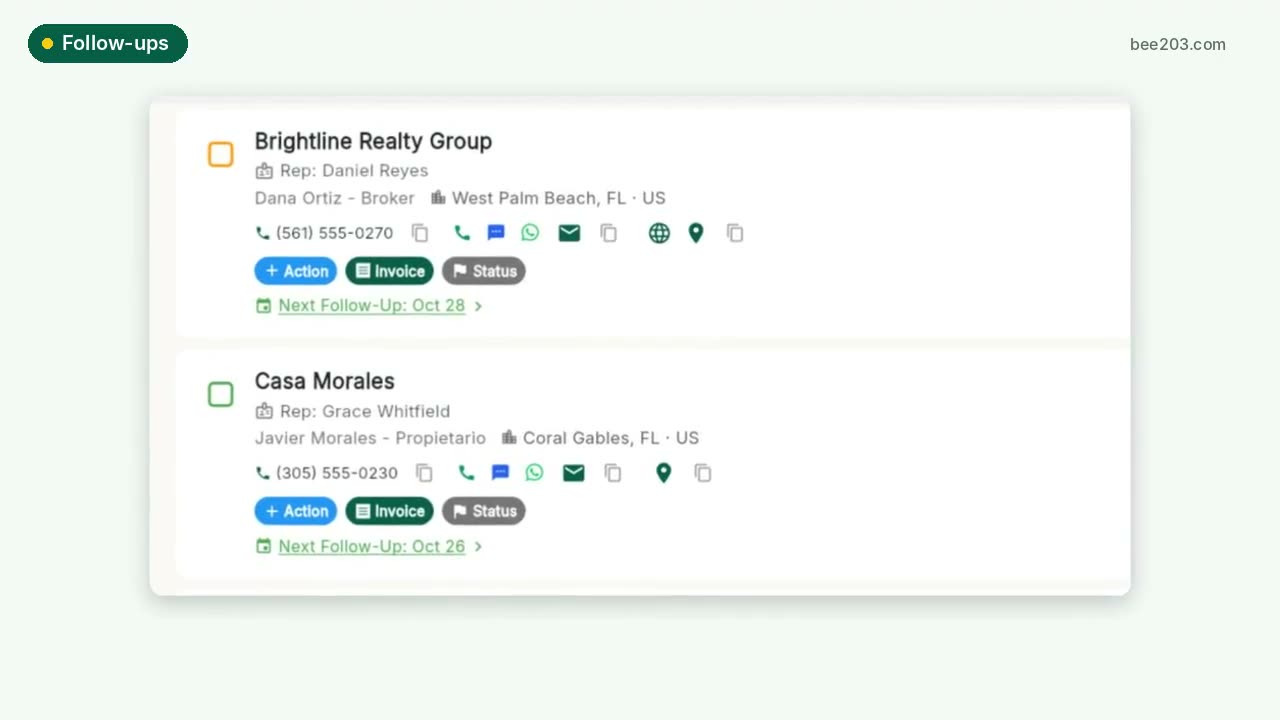 Follow-ups that don't slip0:15See how it works →
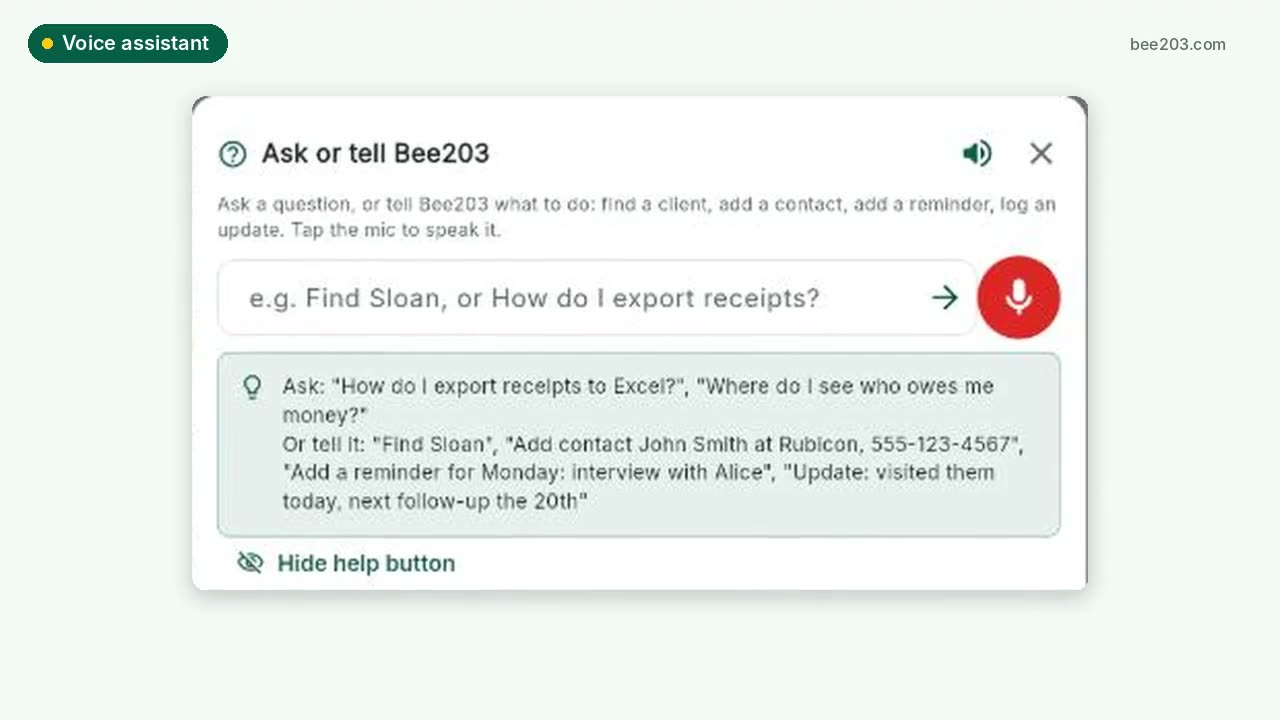 Voice assistant0:20See how it works →
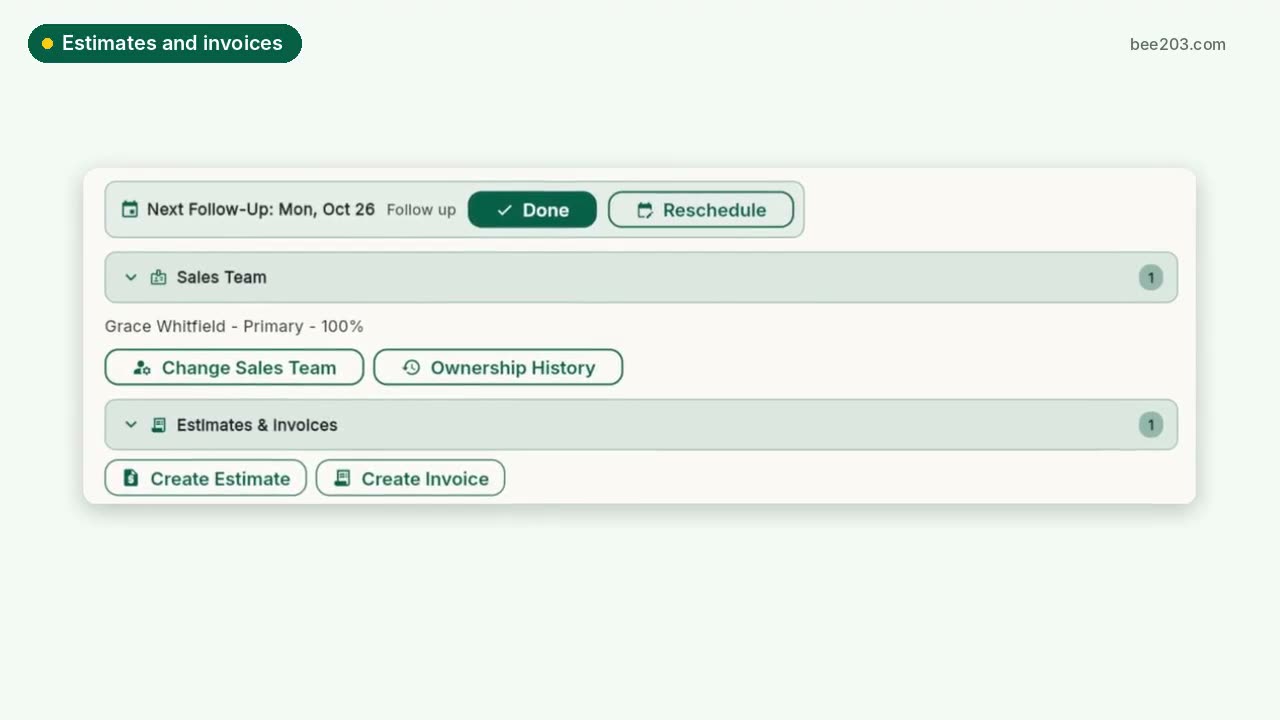 Estimates, invoices and card payments0:25See how it works →
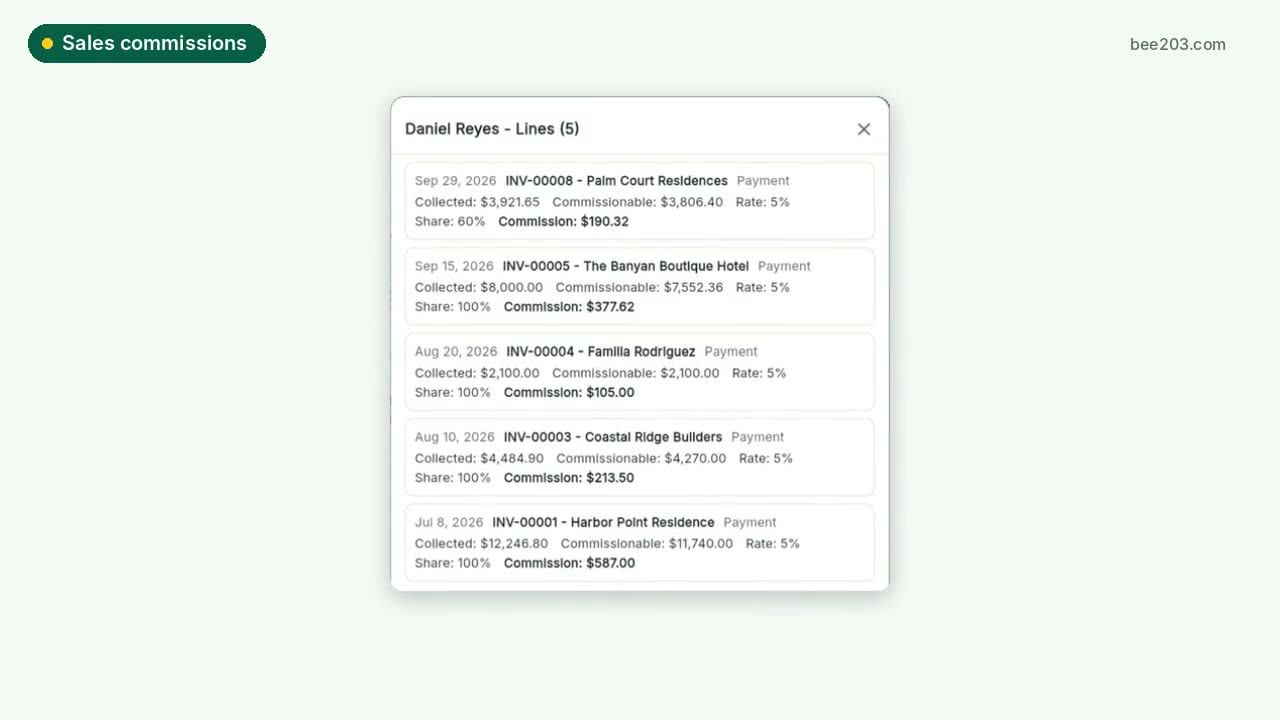 Sales commissions and bonuses0:30See how it works →
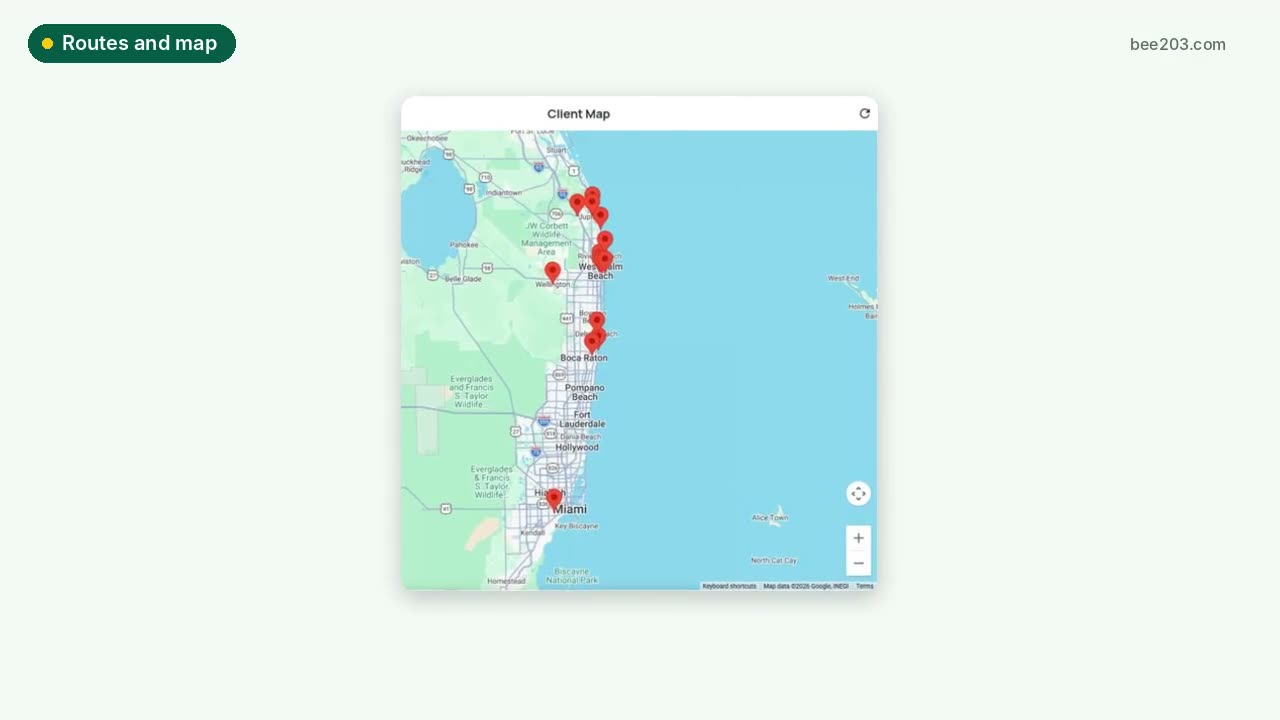 Routes and client map0:15See how it works →
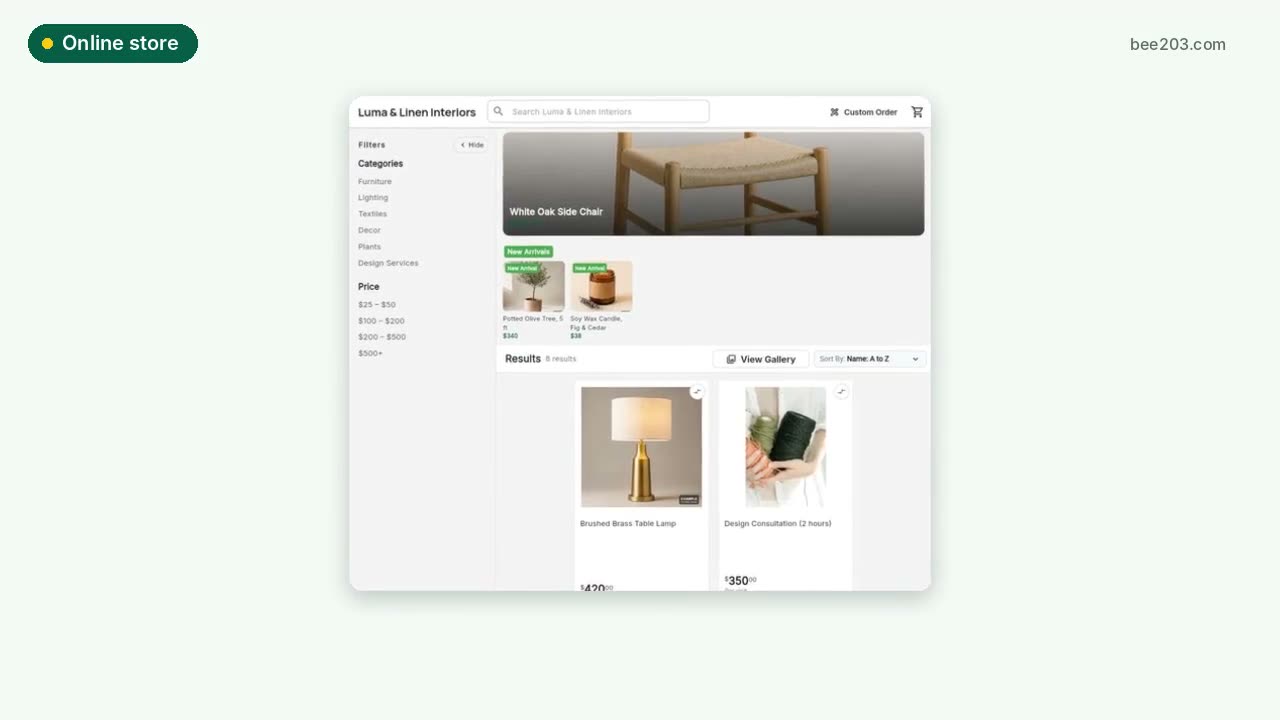 Online store0:15See how it works →
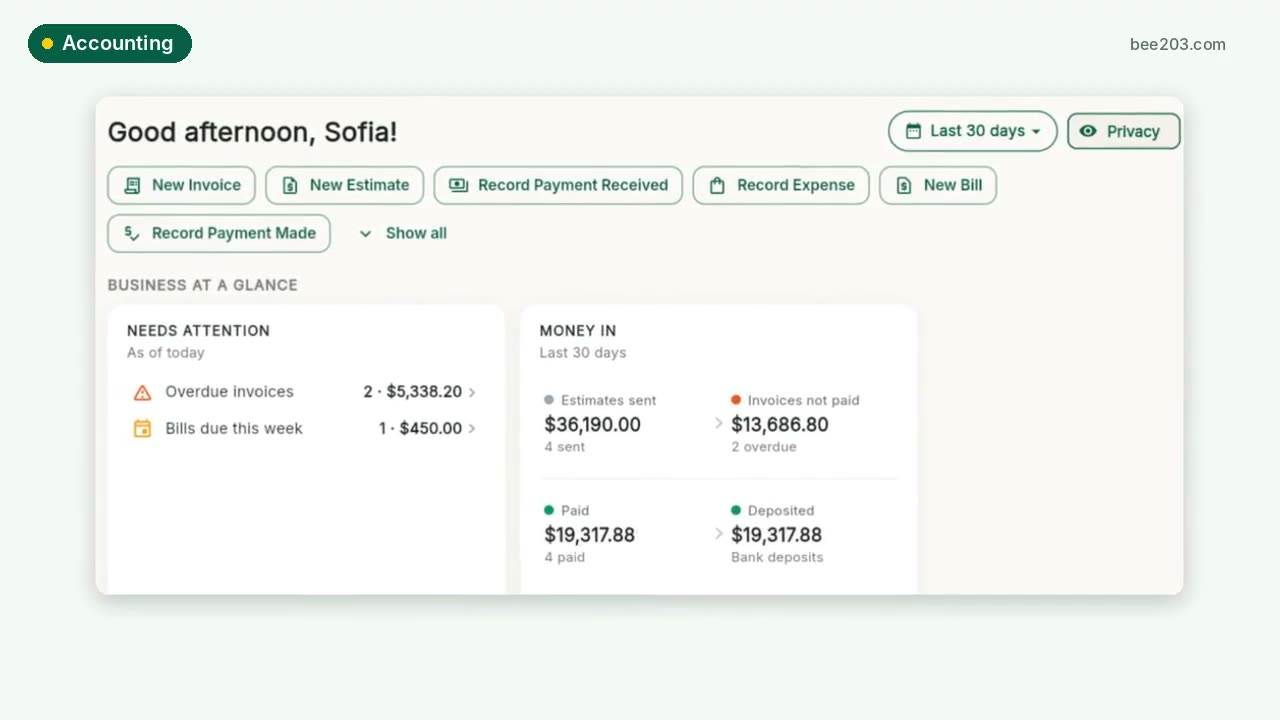 Accounting and job profit0:25See how it works →
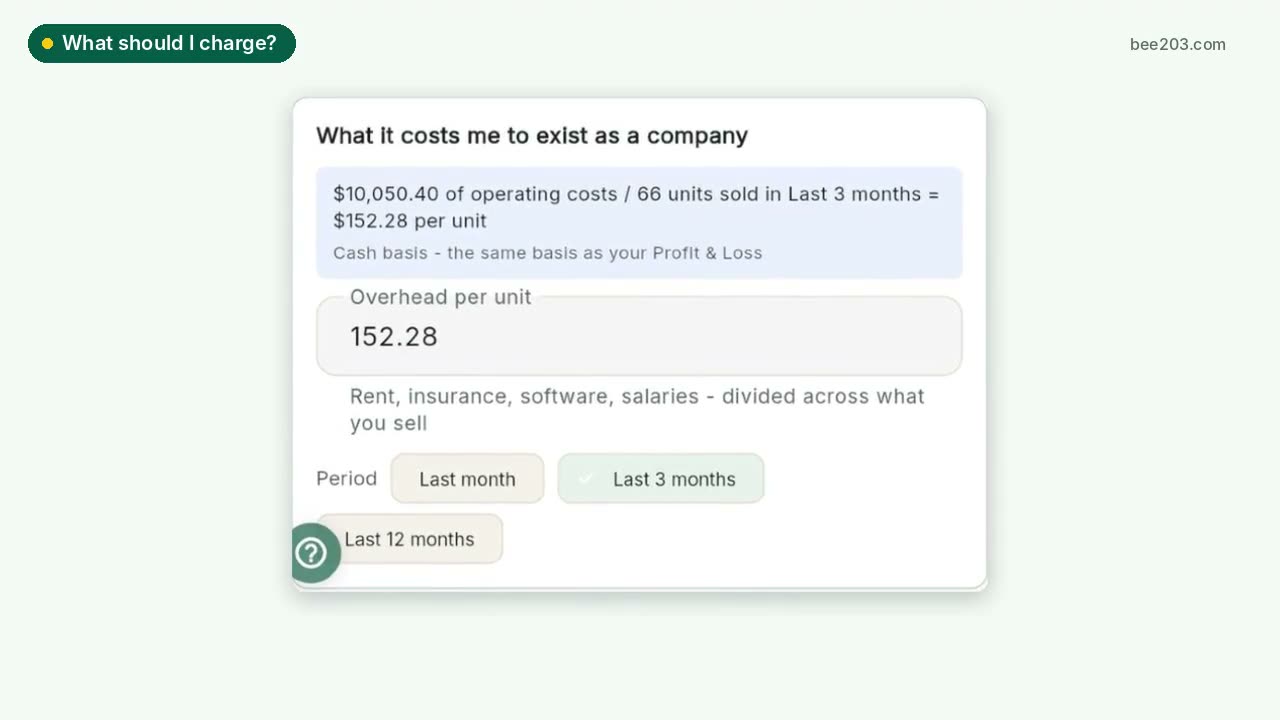 What should I charge?0:25See how it works →
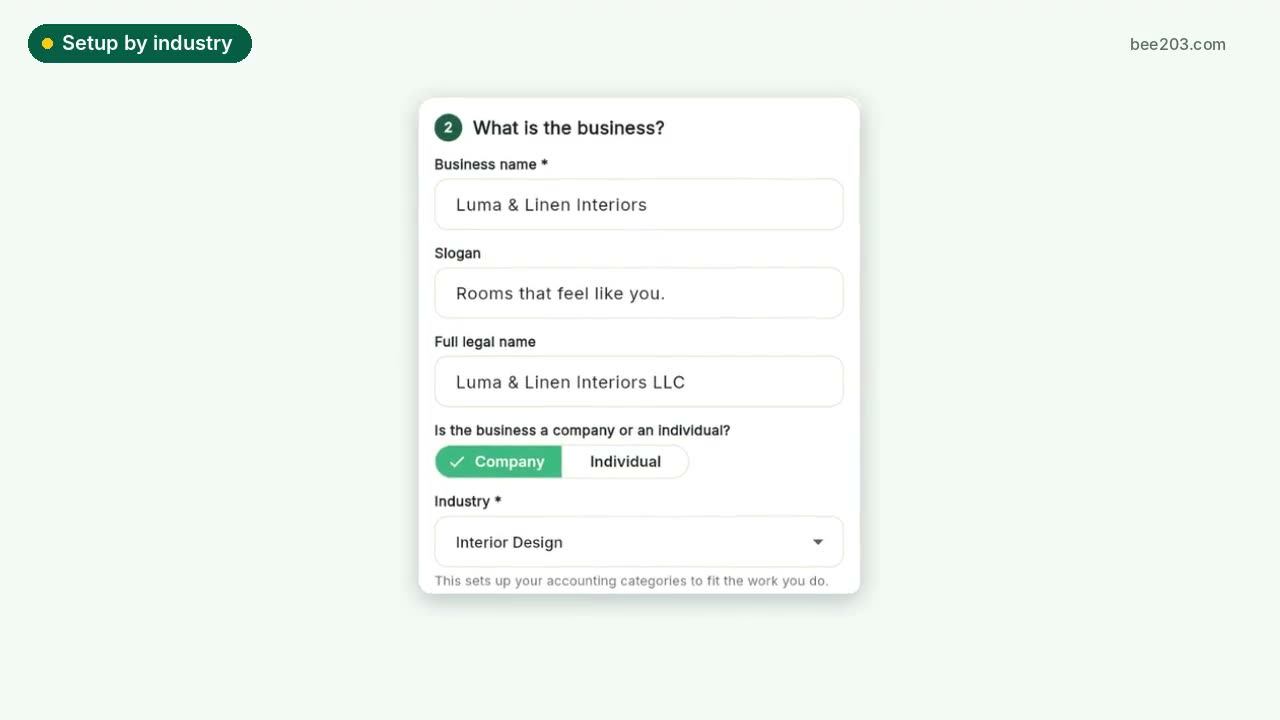 Setup by industry0:20See how it works →
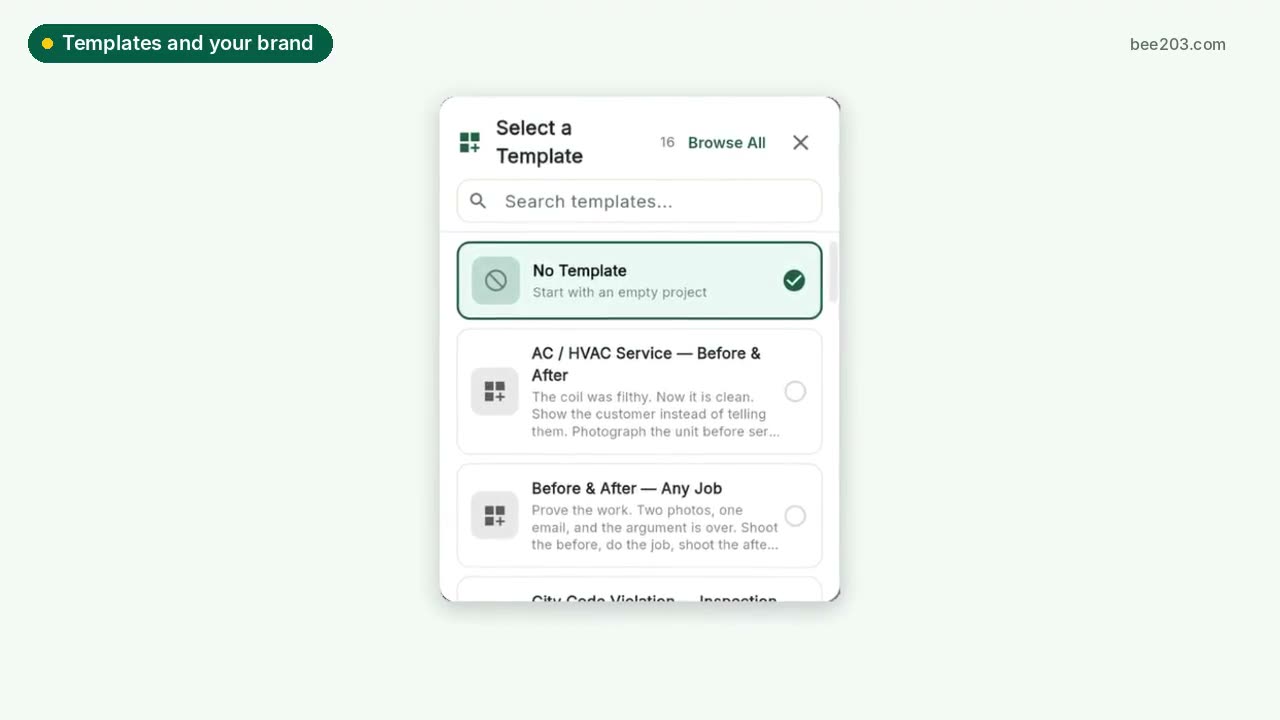 Templates and your brand0:15See how it works →
 Client Project PortalA private portal per client job: room budgets, approvals, client-safe PDF and Excel reports, deposit invoices and job profit.See how it works →
 Designer training: Client Project PortalSet up rooms, propose items, invite your client to approve or decline, and track every order to installed. Video and step by step.See how it works →