 Bee203
Google Drive by link
Keep your photos in Google Drive? Share a folder as Anyone with the link, paste the link, and your whole team uses those images for products, lookbooks and reveals. No Google sign-in.
Transcript
Keep your photos in Google Drive? Share a folder as Anyone with the link, paste the link, and your whole team uses those images for products, lookbooks and reveals. No Google sign-in.
More Bee203 videos
 Bee203 tour5:34See how it works →
 Why Bee2030:12See how it works →
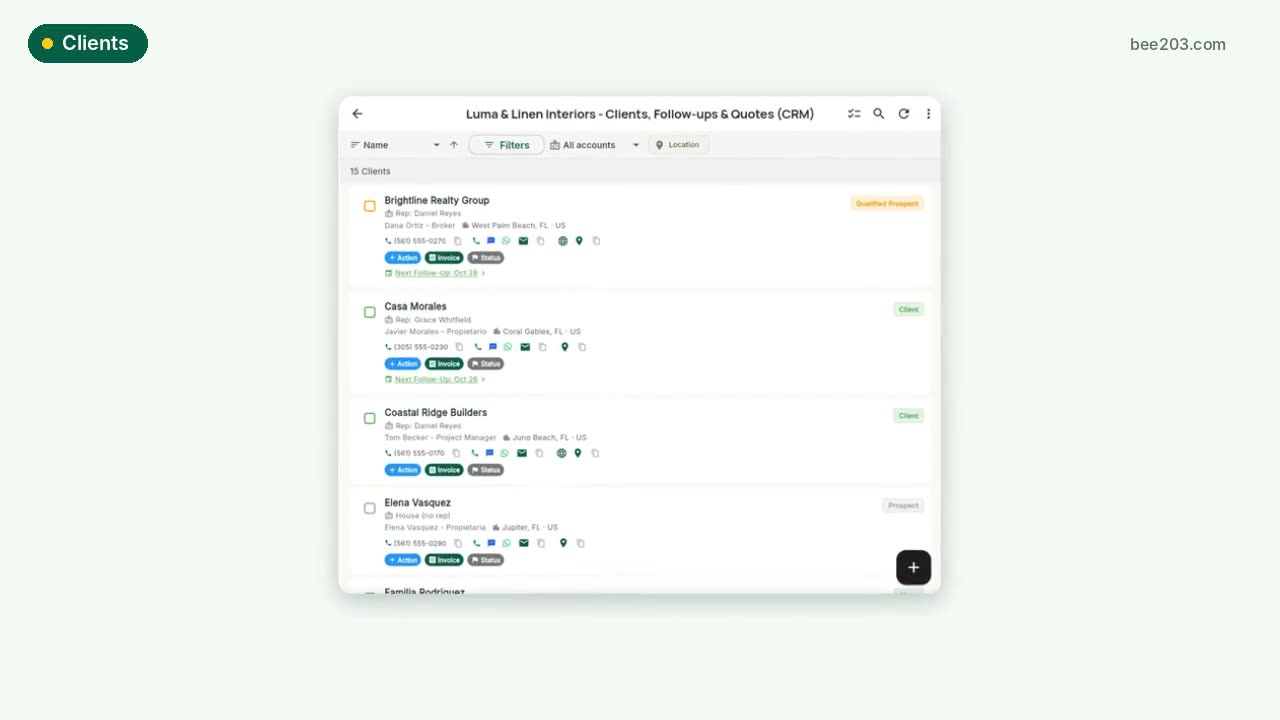 Clients in one tap0:20See how it works →
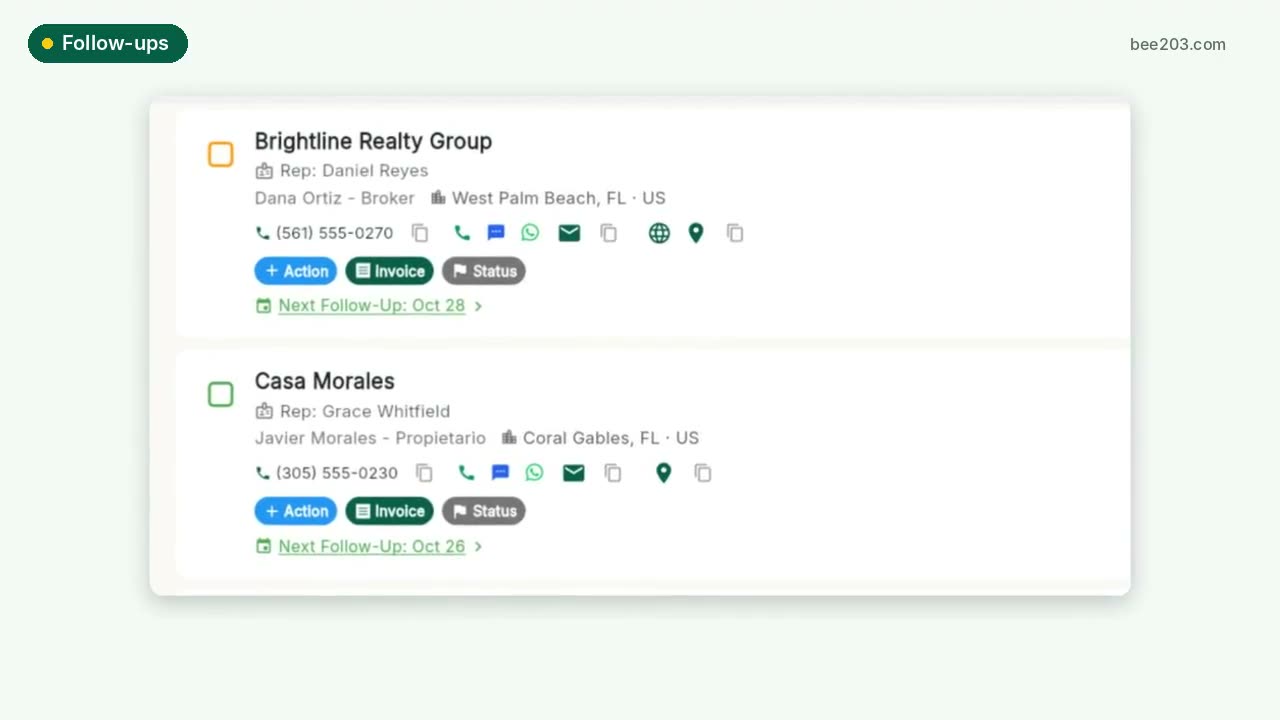 Follow-ups that don't slip0:15See how it works →
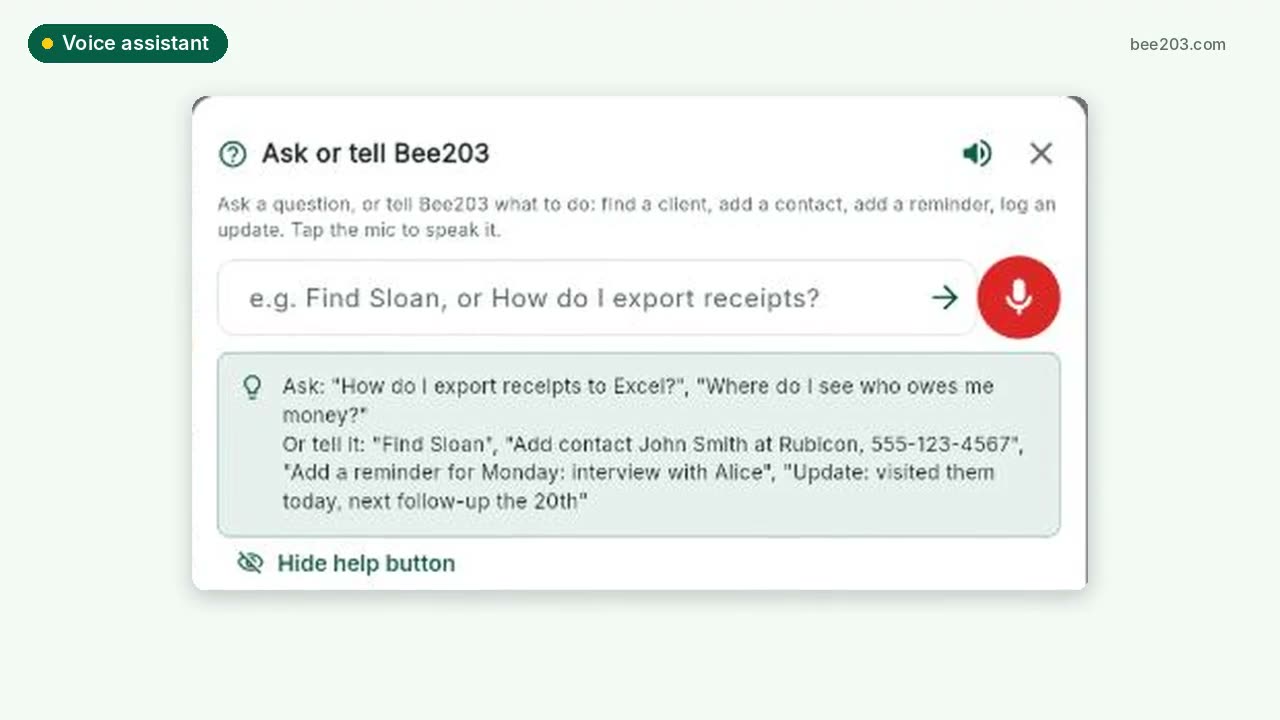 Voice assistant0:20See how it works →
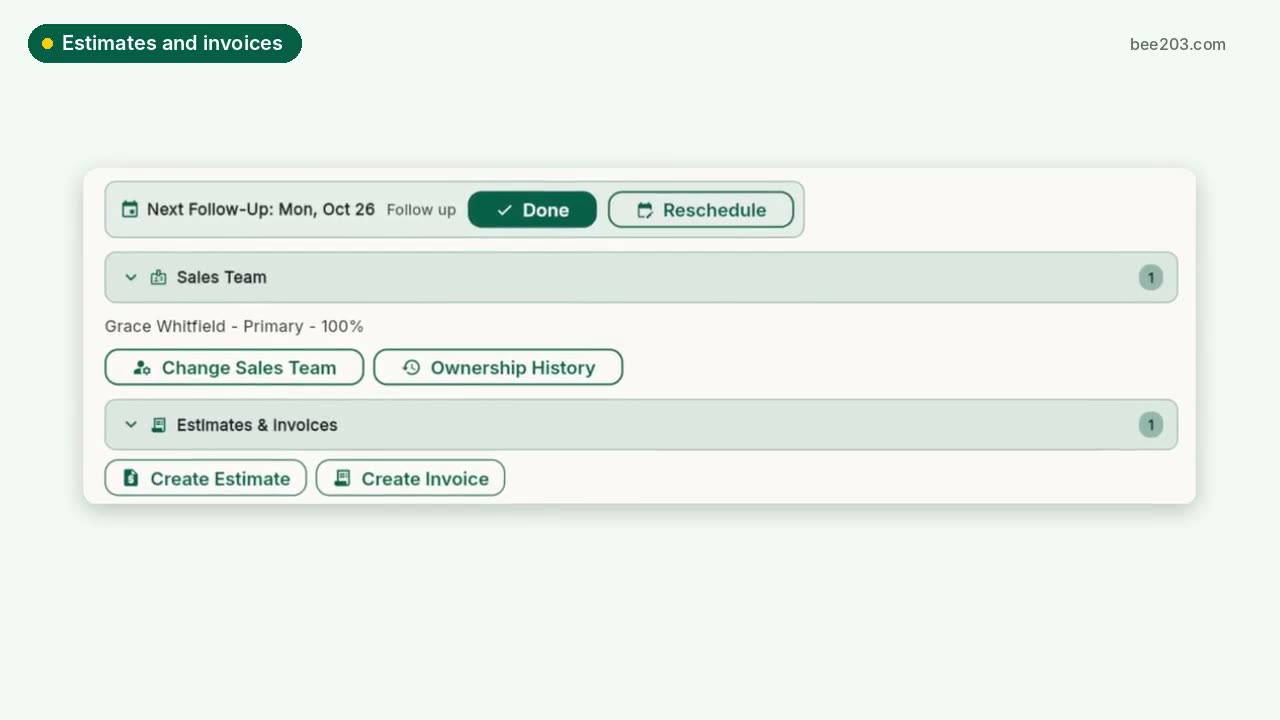 Estimates, invoices and card payments0:25See how it works →
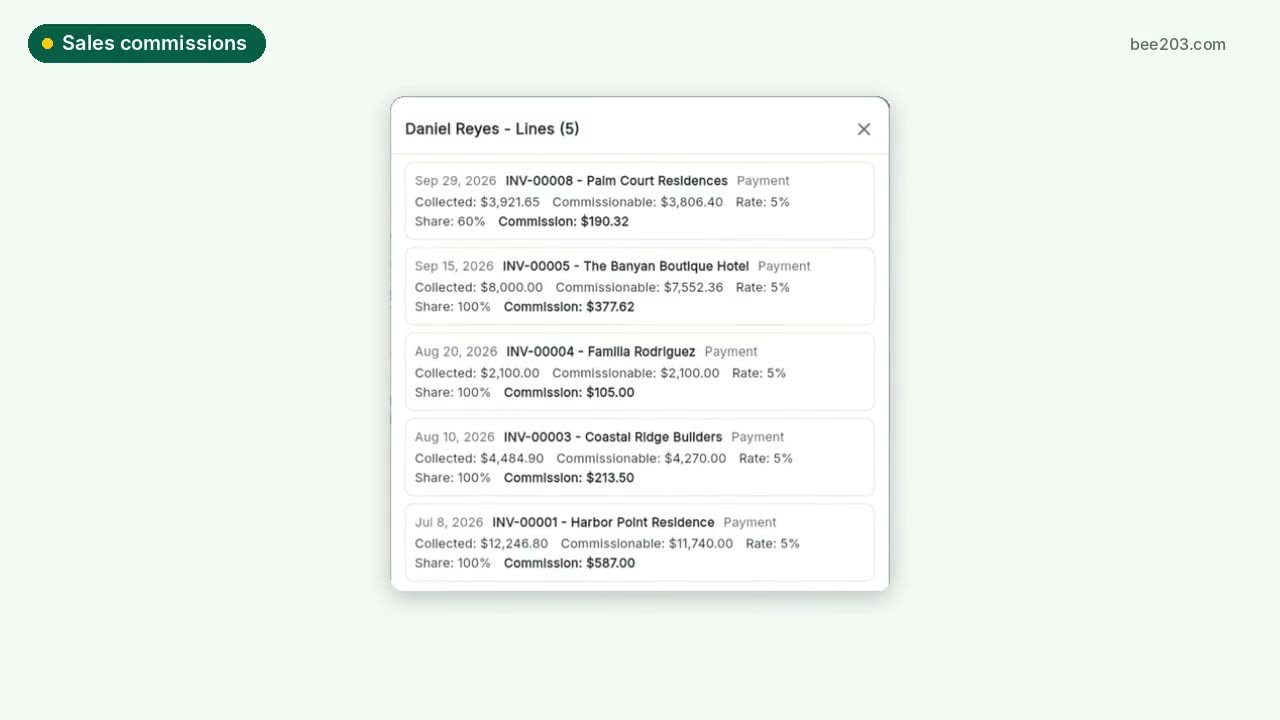 Sales commissions and bonuses0:30See how it works →
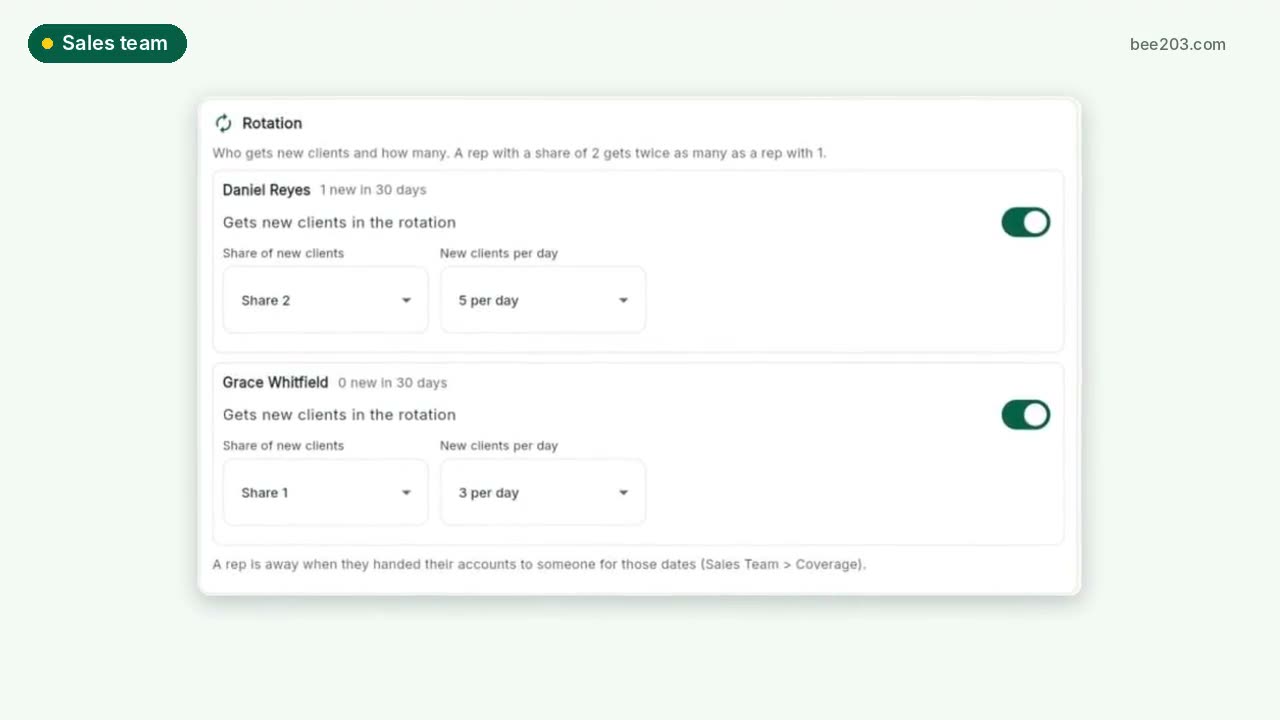 Sales team: rotation, grades, targets0:30See how it works →
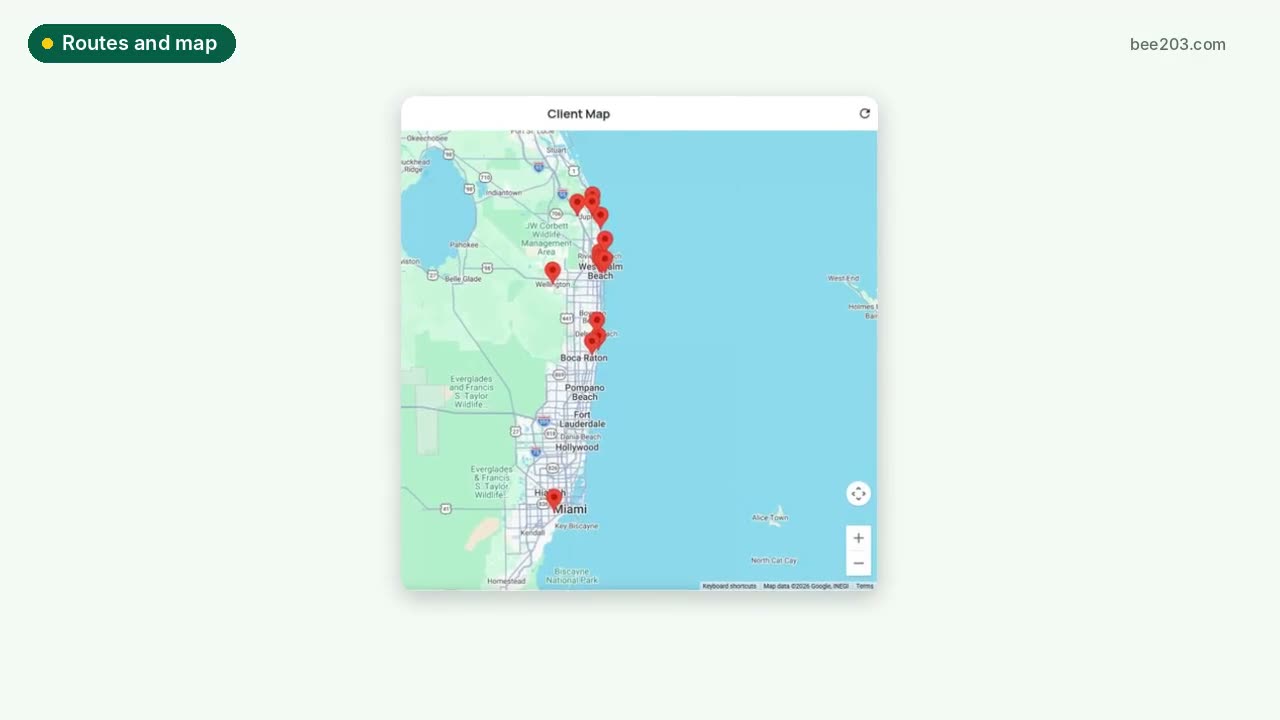 Routes and client map0:15See how it works →
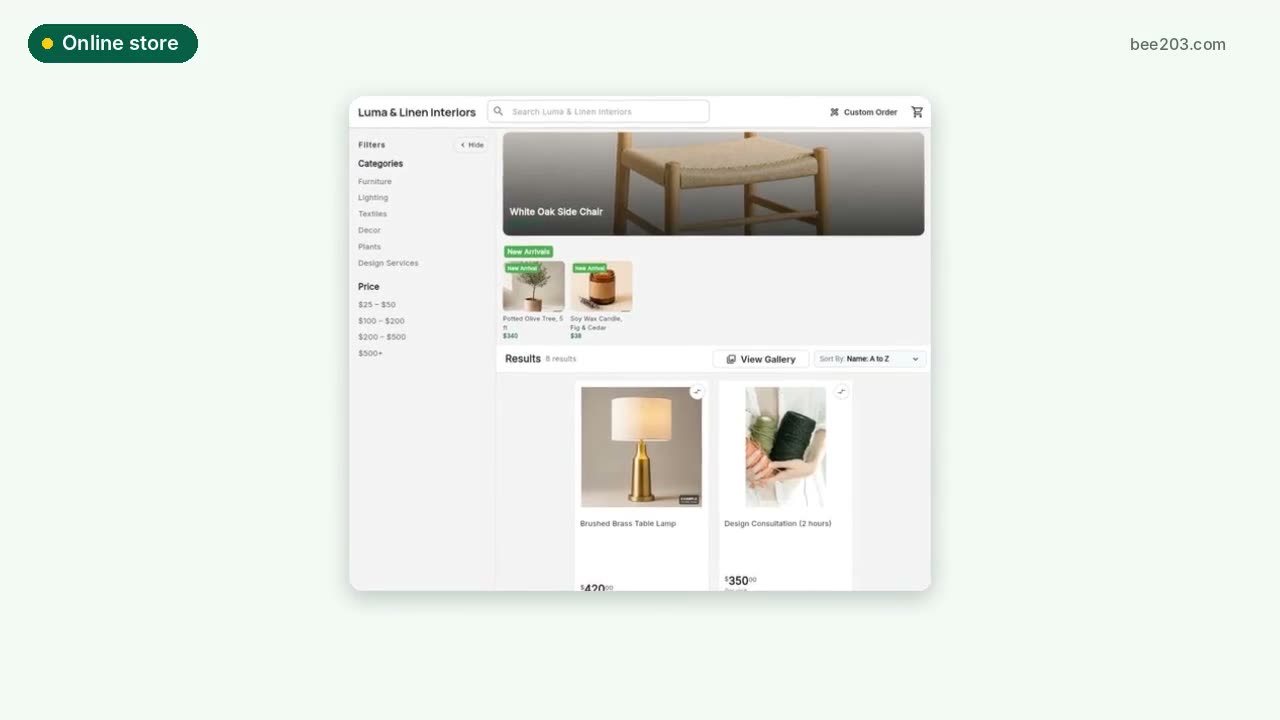 Online store0:15See how it works →
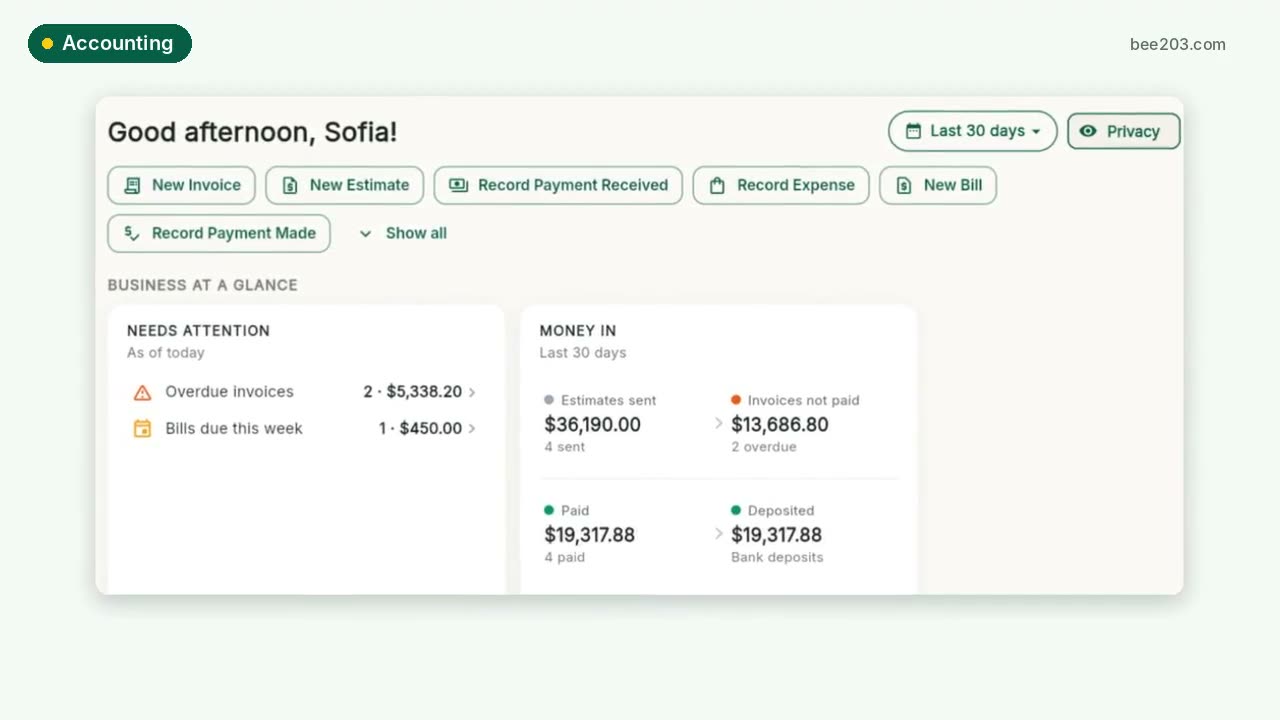 Accounting and job profit0:25See how it works →
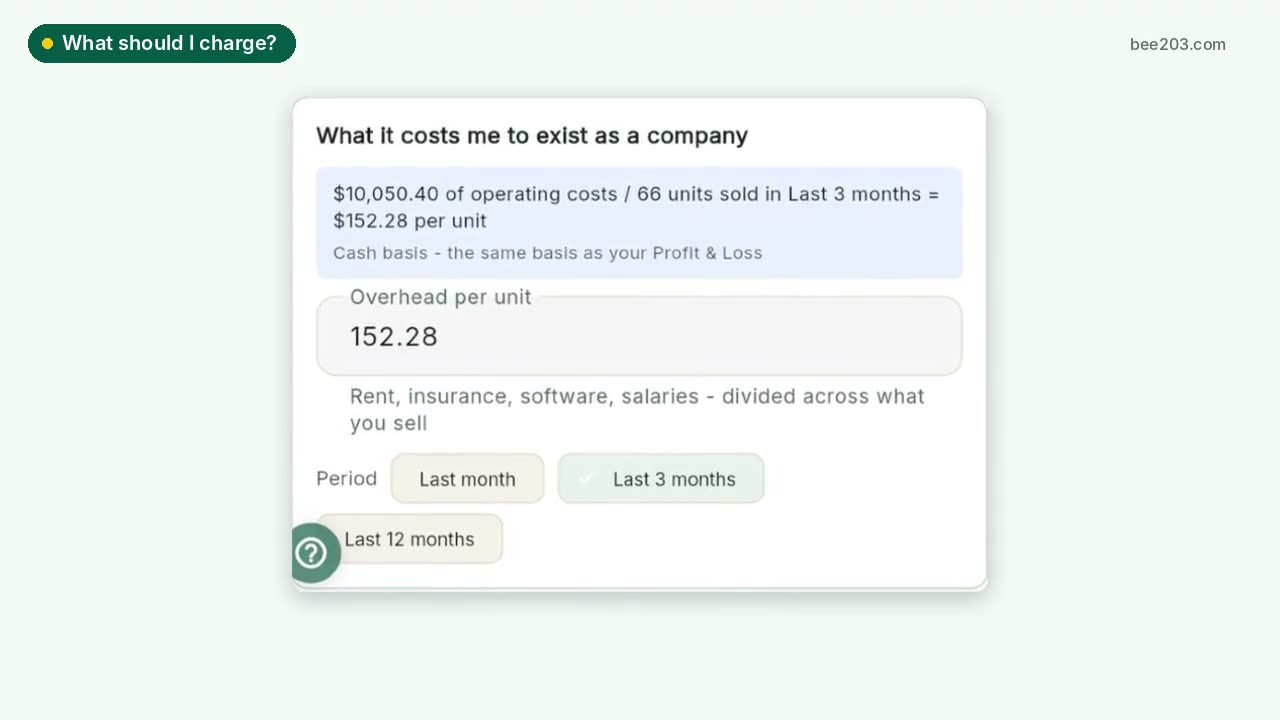 What should I charge?0:25See how it works →
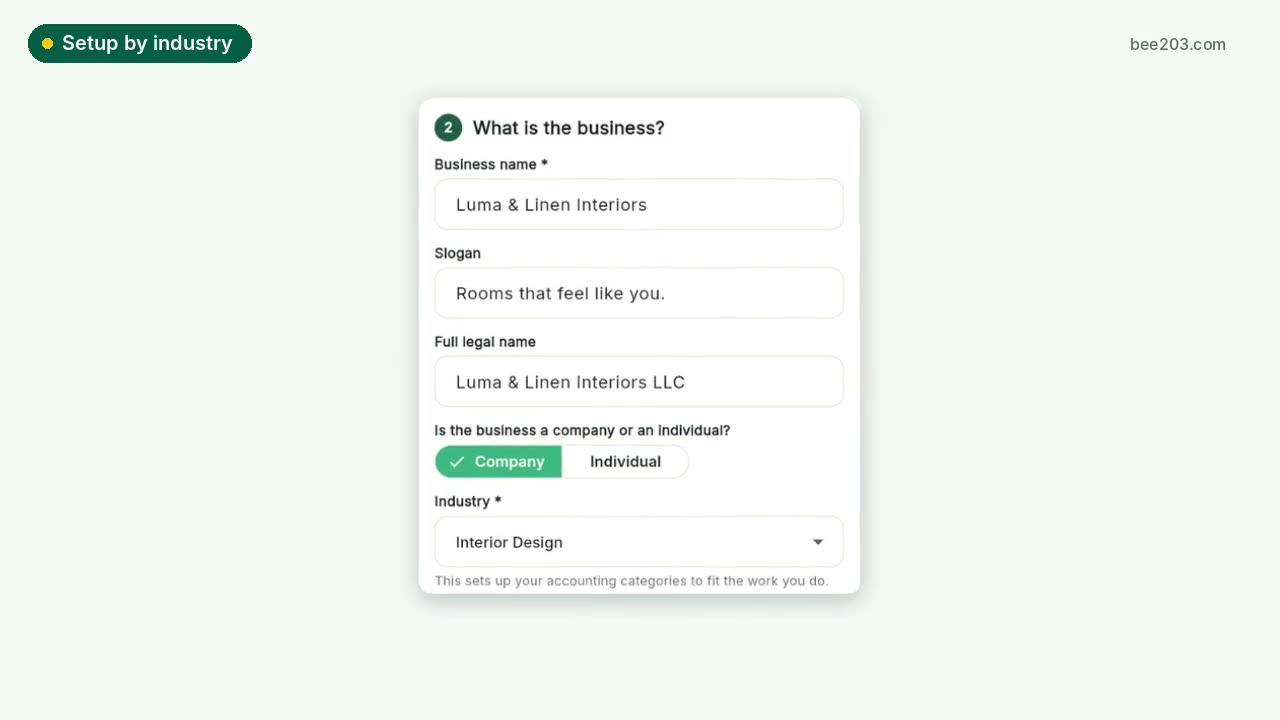 Setup by industry0:20See how it works →
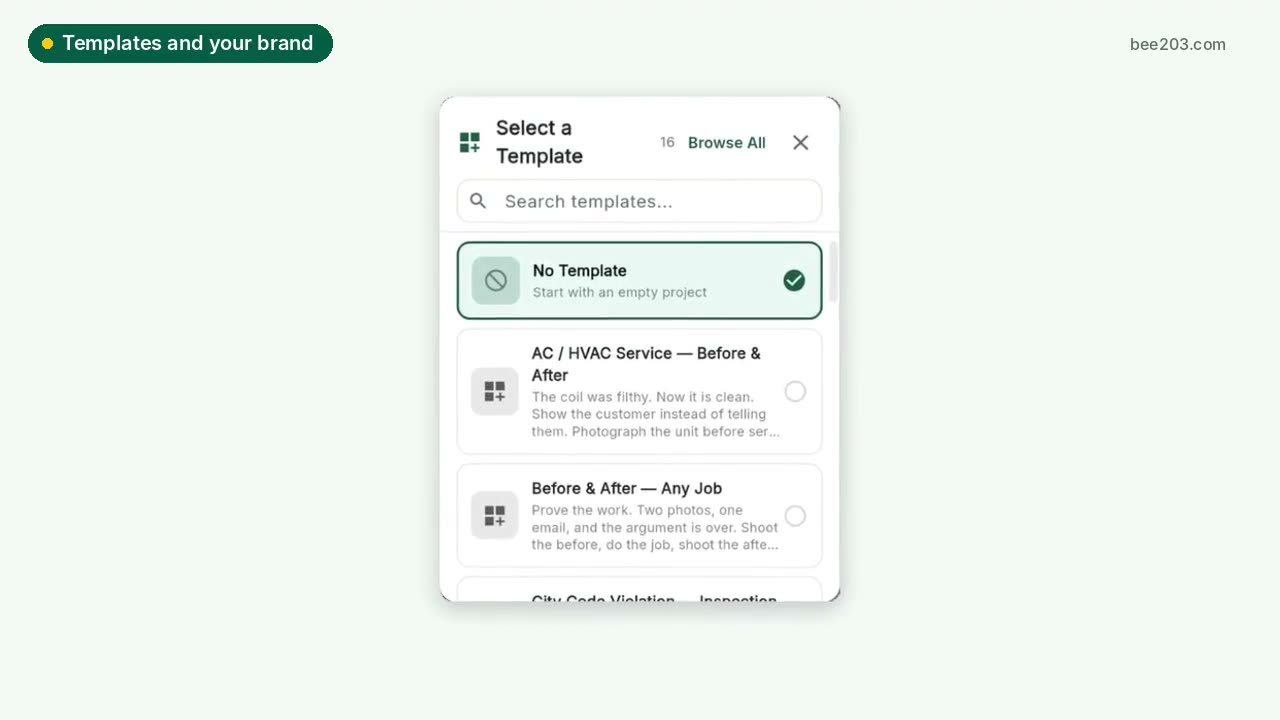 Templates and your brand0:15See how it works →
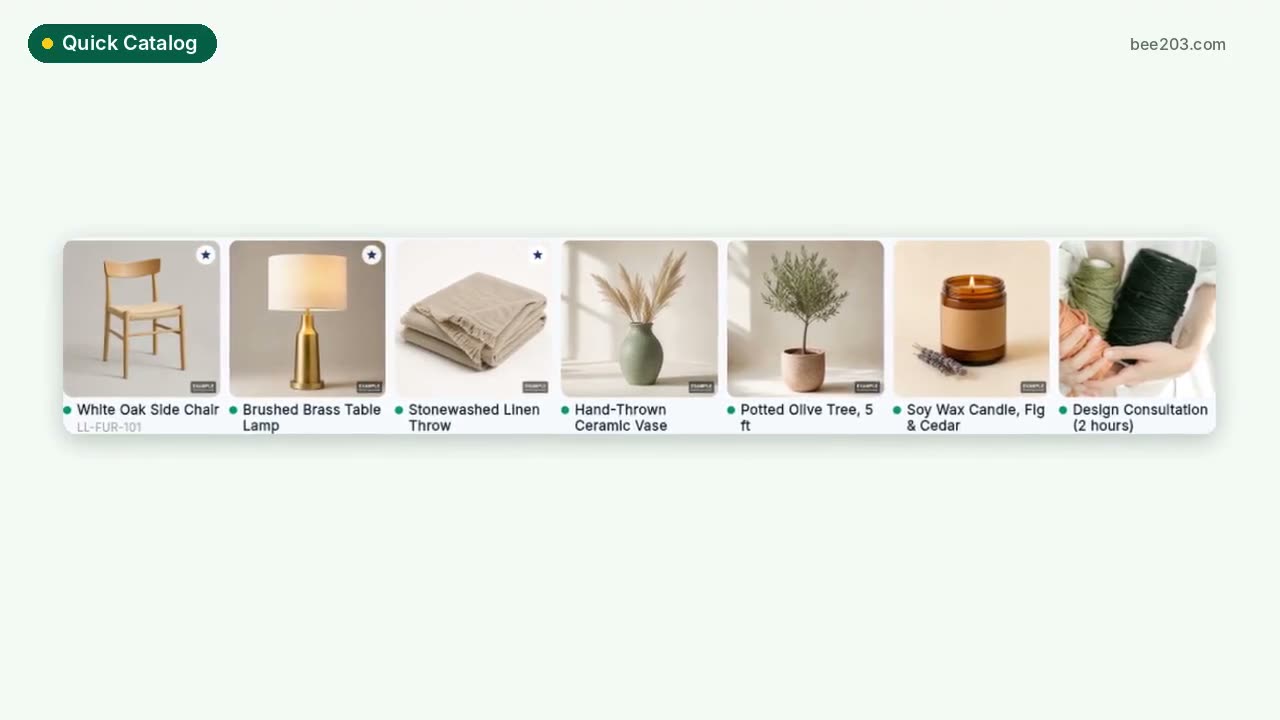 Quick Catalog0:15See how it works →
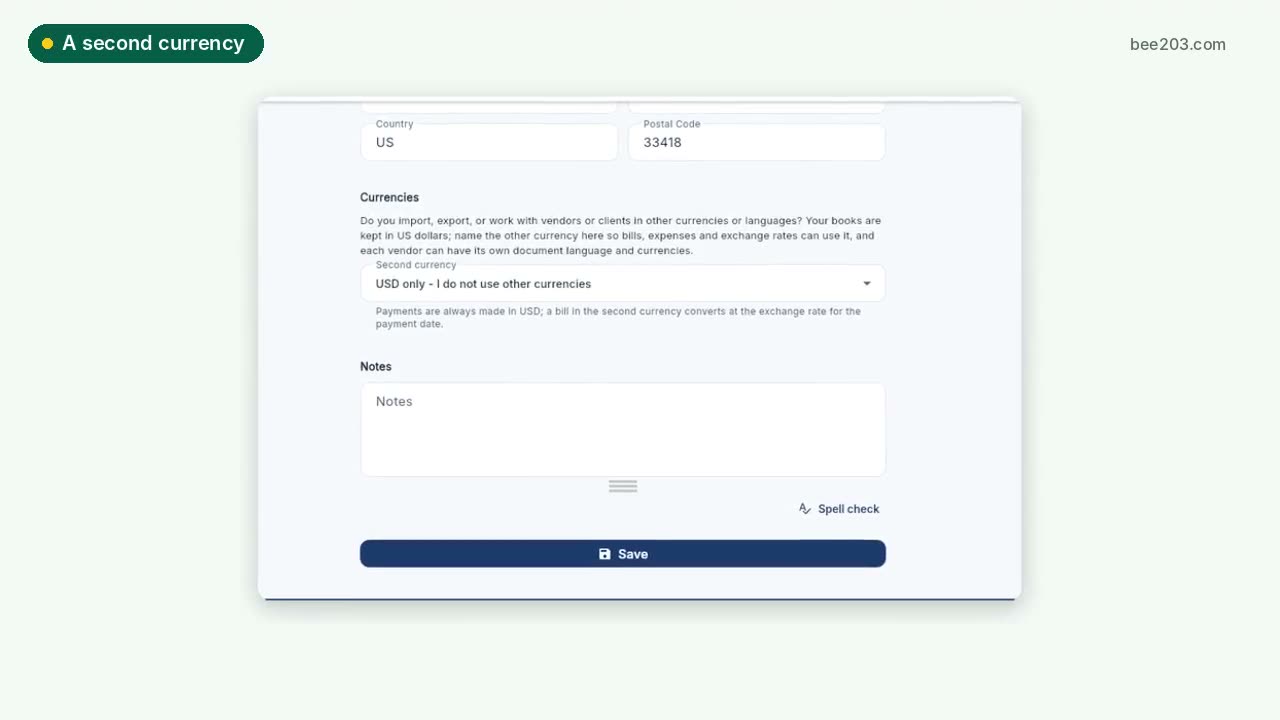 A second currency0:15See how it works →
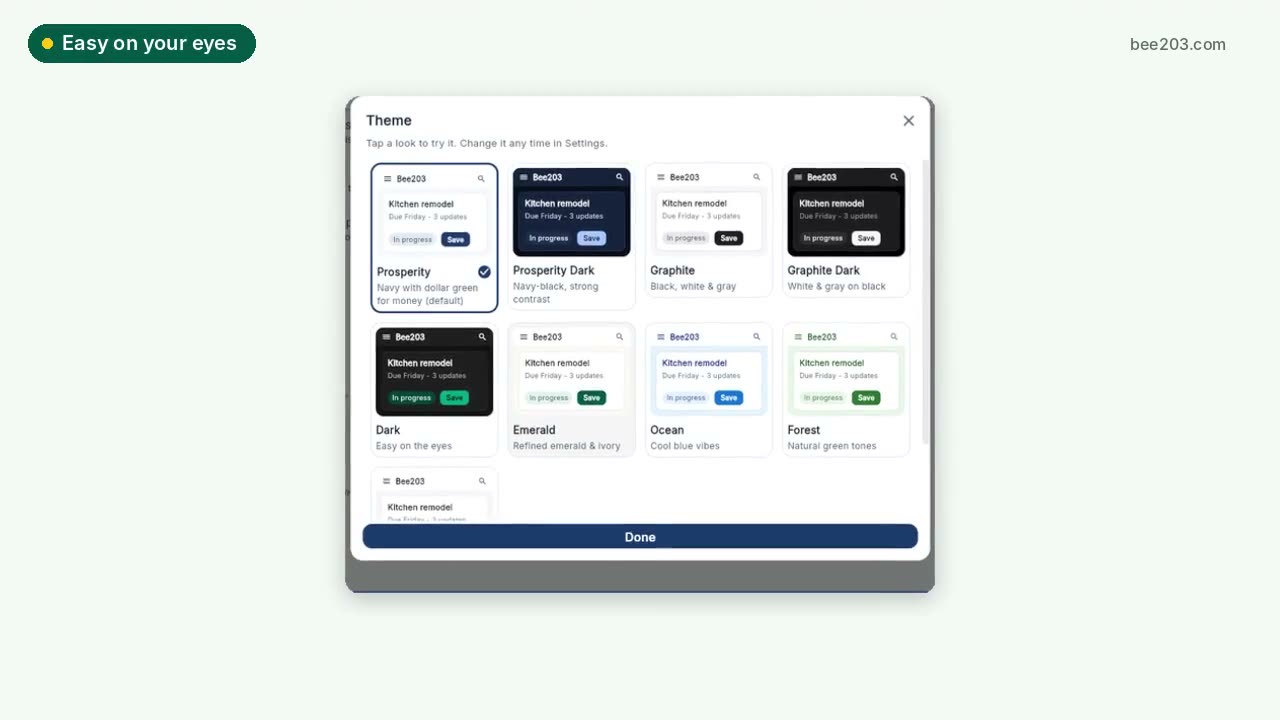 Easy on your eyes0:10See how it works →
 Client Project PortalA private portal per client job: room budgets, approvals, client-safe PDF and Excel reports, deposit invoices and job profit.See how it works →
 Training: Client Project PortalSet up rooms, propose items, invite your client to approve or decline, and track every order to installed. Video and step by step.See how it works →