 Bee203
Bee203 tour (4:42)
The whole app in under 5 minutes: clients, follow-ups, the voice assistant, estimates and invoices with card payments, sales commissions, routes, the online store and accounting.
Chapters
- 0:00 Why Bee203
- 0:12 Clients in one tap
- 0:32 Follow-ups that don't slip
- 0:47 Voice assistant
- 1:07 Estimates, invoices and card payments
- 1:32 Sales commissions and bonuses
- 2:02 Sales team: rotation, grades, targets
- 2:32 Routes and client map
- 2:47 Online store
- 3:02 Accounting and job profit
- 3:27 What should I charge?
- 3:52 Setup by industry
- 4:12 Templates and your brand
- 4:27 Start free
Transcript
Running a small business means doing everything yourself. Bee203 keeps your customers, your work and your money in one place, in English and Spanish. Here are all your clients. Open one and everything is there: every call, every visit, every quote. Call, text or send a WhatsApp with one tap, right from the client's page. Set a follow-up, and Bee203 reminds you when it's time to call back. No more clients falling through the cracks. On your phone, just say it. Tap the microphone and say: Find Maria. Bee203 opens her page. You can add a contact or set a reminder the same way, in English or Spanish. Make a professional estimate in a minute. When the client says yes, turn it into an invoice with one click. Your client can pay by card through Square or Stripe, and you see the moment it's paid. If you have salespeople, this part matters. Commissions are tied to real, paid invoices, so everyone knows what they earned. Reward a great month with accelerators, or run a bonus to push a product line. Paying your team becomes simple and fair. New leads go to the next rep in turn, so it's fair. If nobody calls a lead in time, Bee203 can pass it on. Grade your best accounts A, B or C, set targets, and watch the team's pipeline and leaderboard in one view. See your clients on a map and plan your visits, so your day on the road is a straight line, not a zigzag. Every plan comes with an online store. Your products, your photos, and every request lands right in your CRM. When you're ready, add full accounting. Profit and loss, your bills, your bank, and the real profit on every job. Run more than one company? Each one gets its own books. Not sure what to charge? Type what you pay your supplier. Bee203 adds the real costs and your overhead, then shows your price, your margin, your break-even and the profit you actually keep. No more guessing. Tell Bee203 what you do. Pick your industry in the setup wizard, and your accounting and your cost template are set up for your kind of business. Start from a ready-made template, then pick your colors and your invoice style. It looks like your business, not ours. Your team is included, with no fee per user. We run a small business too, and we built the tool we needed. Start free today at bee203.com.
More Bee203 videos
 Why Bee2030:12See how it works →
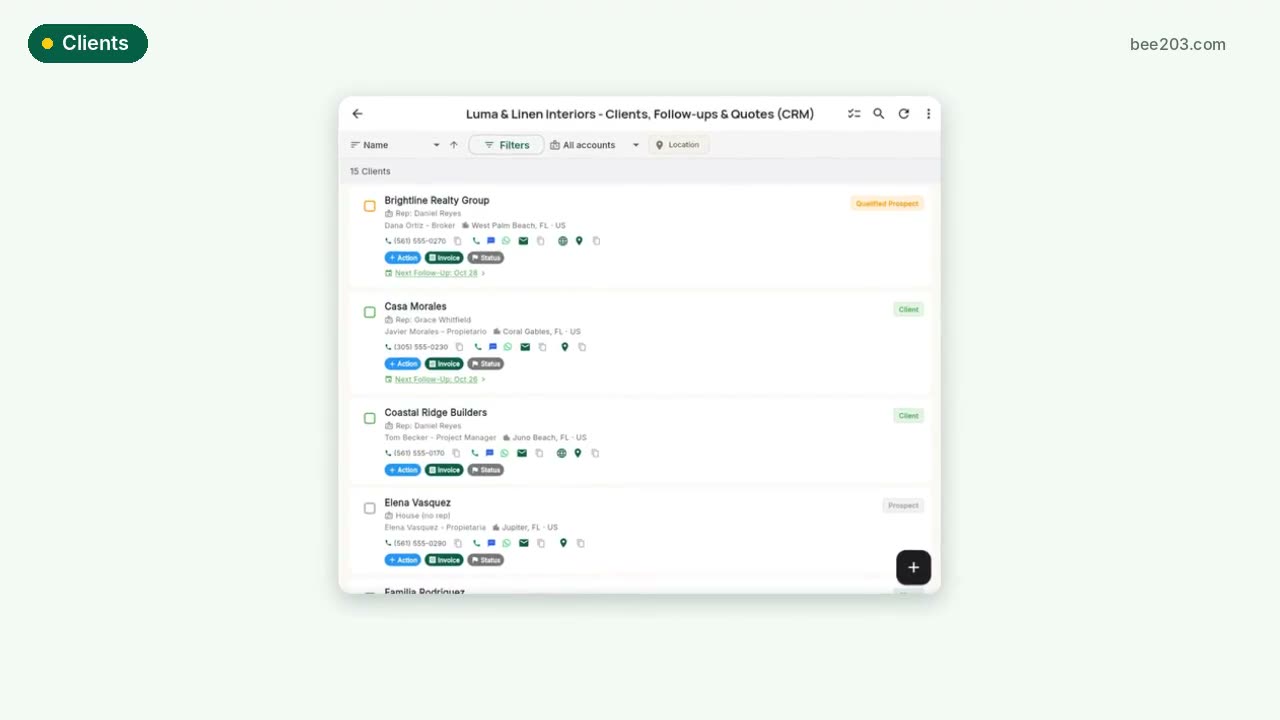 Clients in one tap0:20See how it works →
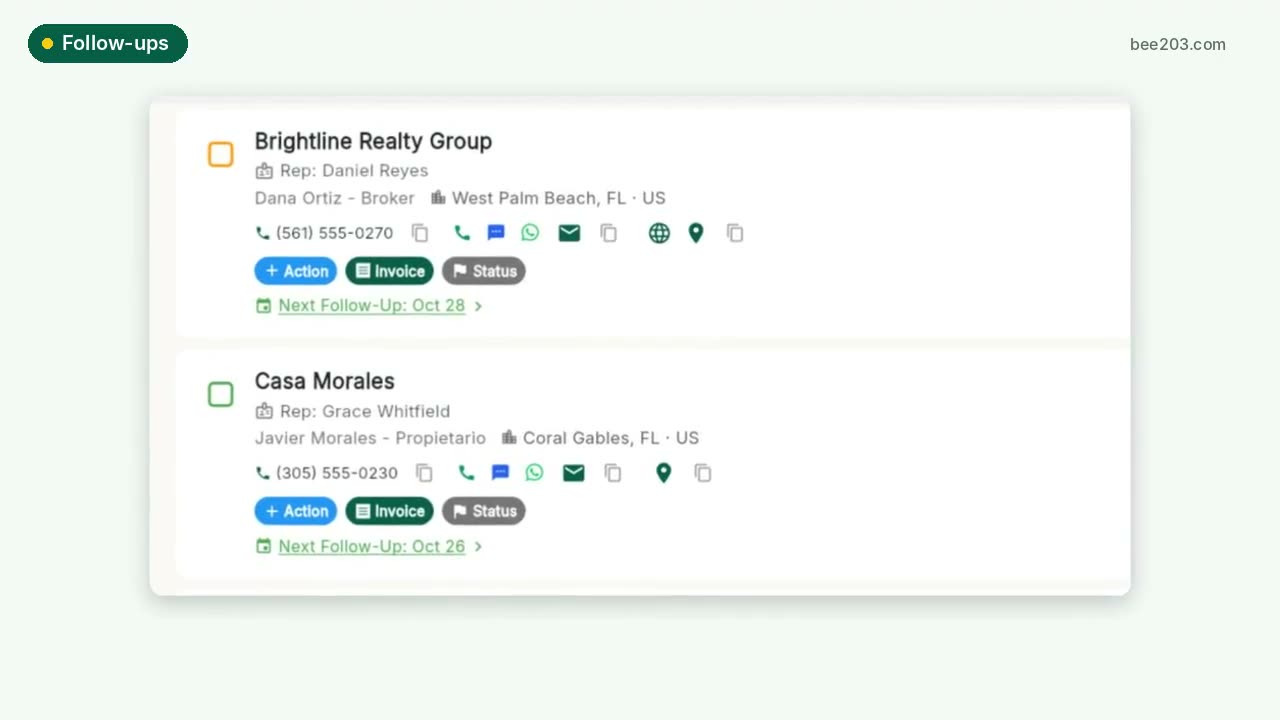 Follow-ups that don't slip0:15See how it works →
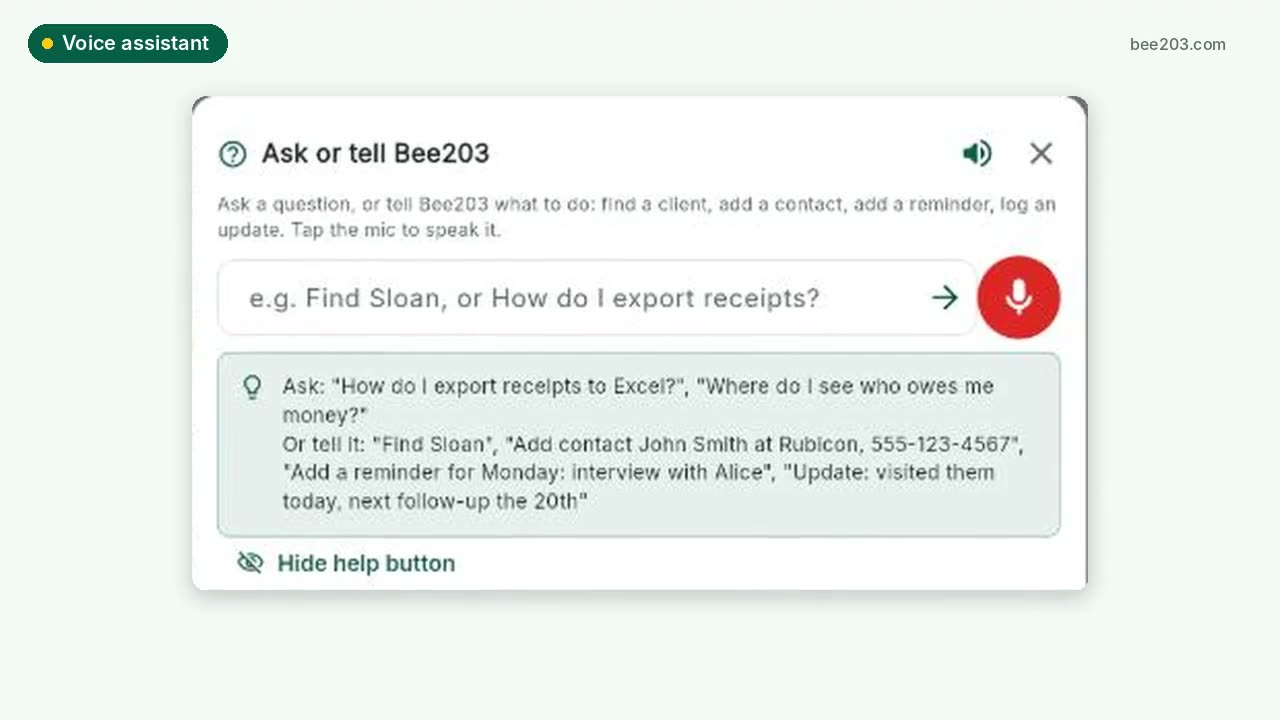 Voice assistant0:20See how it works →
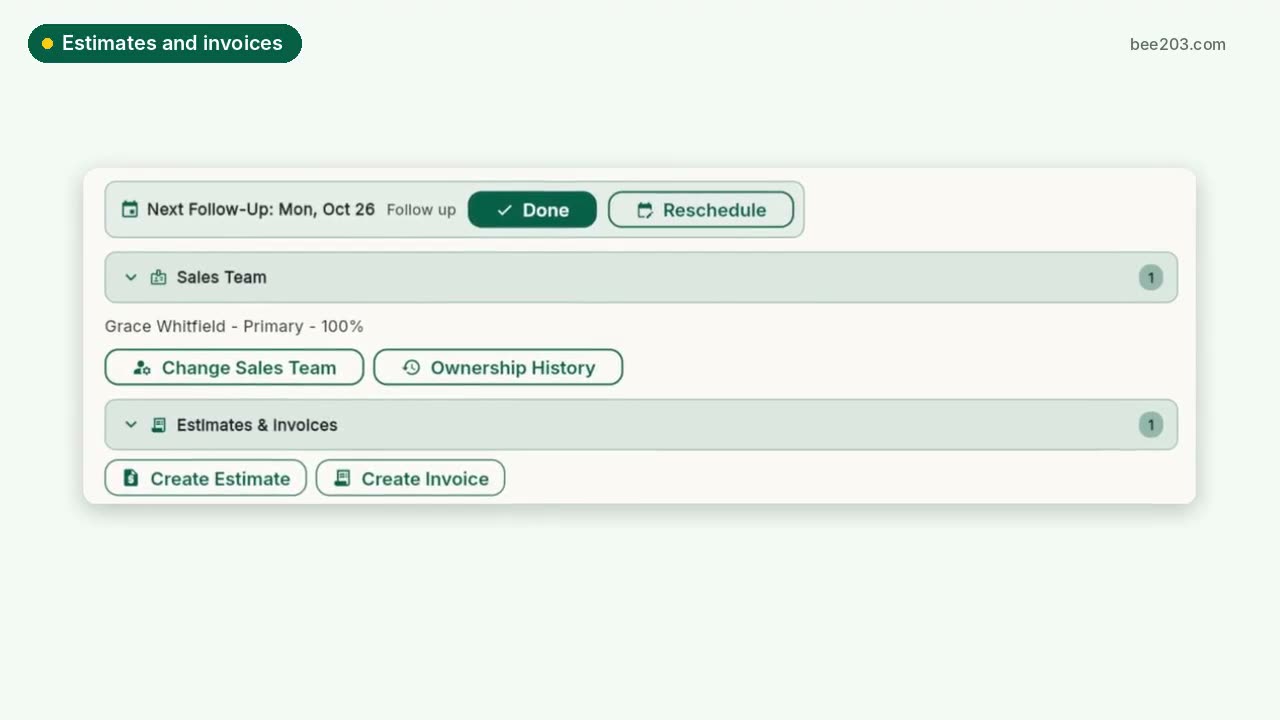 Estimates, invoices and card payments0:25See how it works →
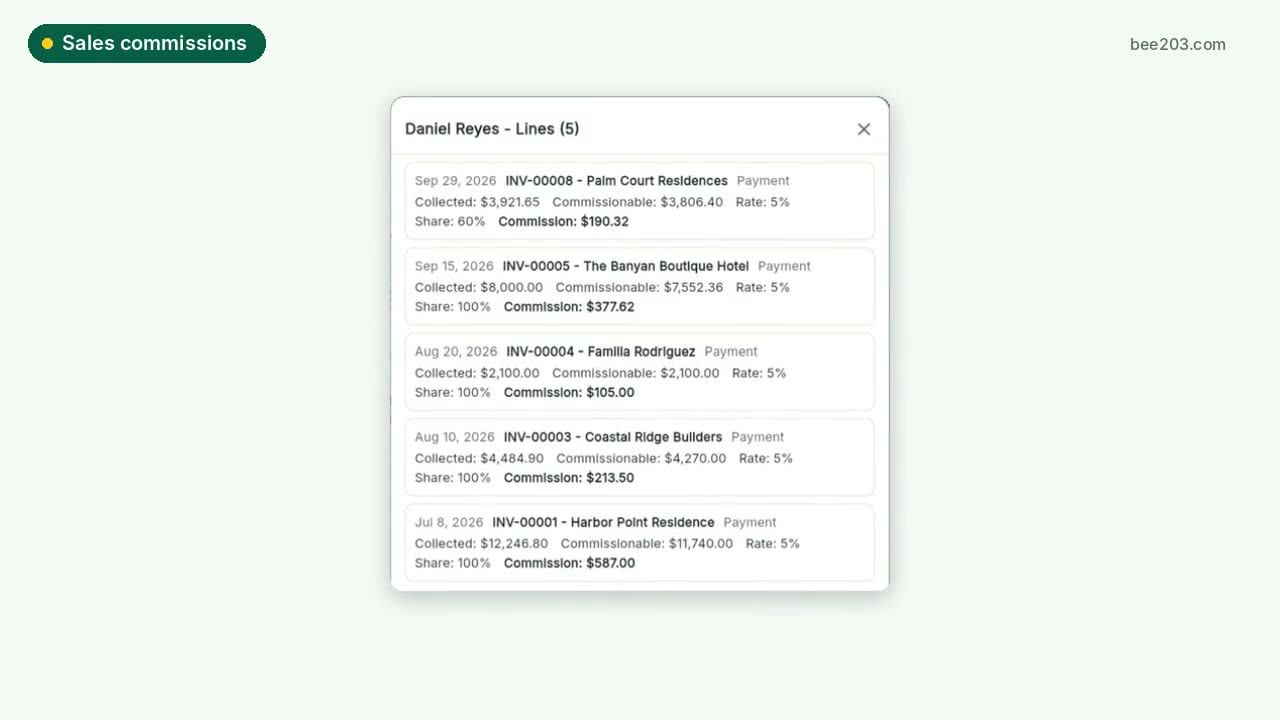 Sales commissions and bonuses0:30See how it works →
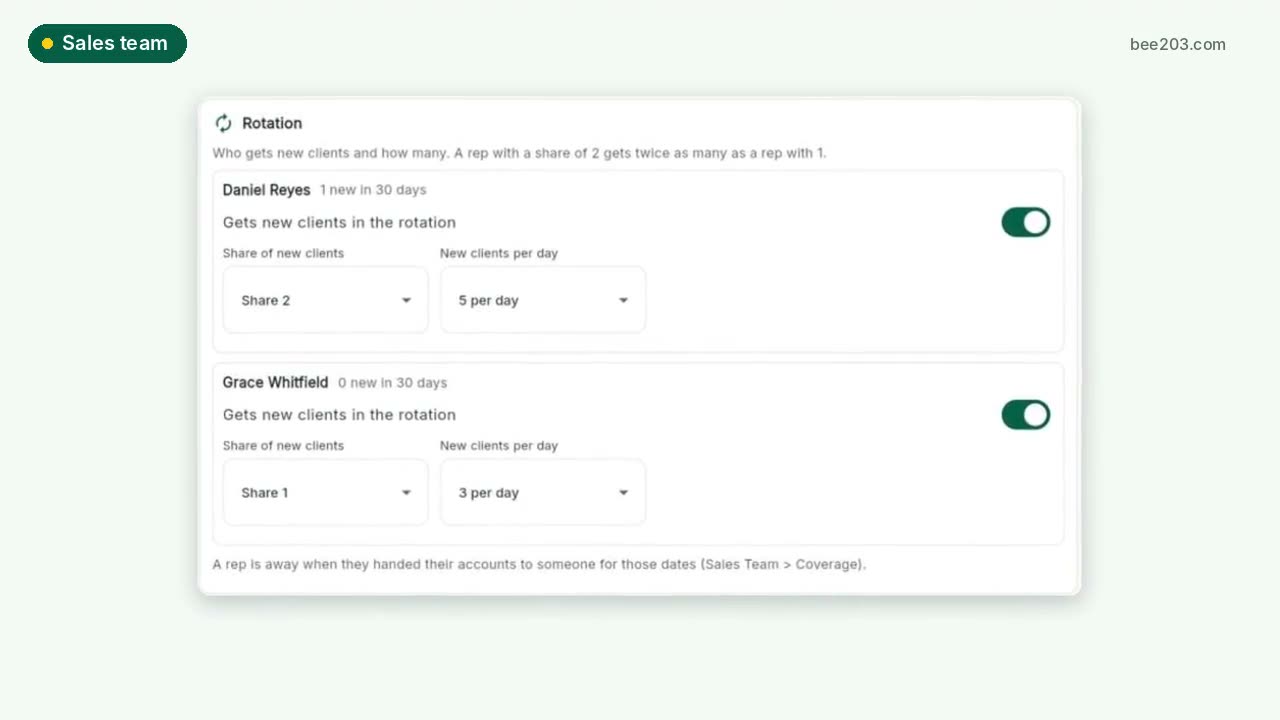 Sales team: rotation, grades, targets0:30See how it works →
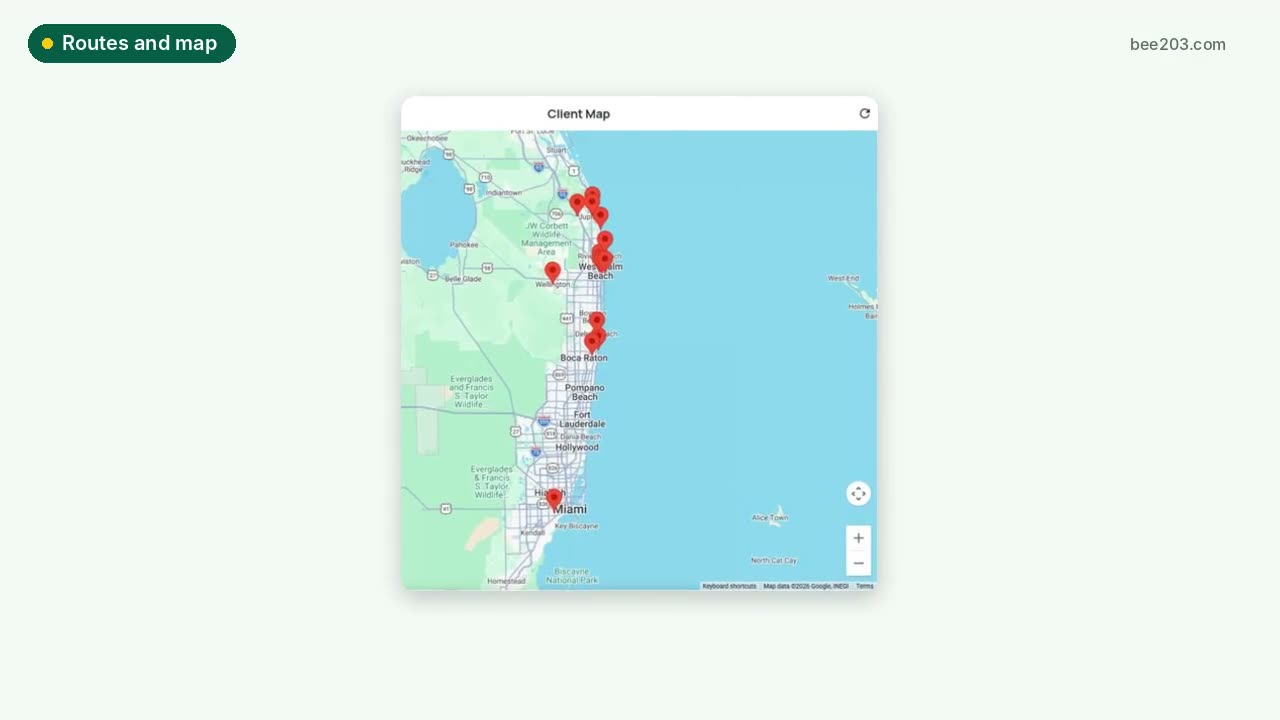 Routes and client map0:15See how it works →
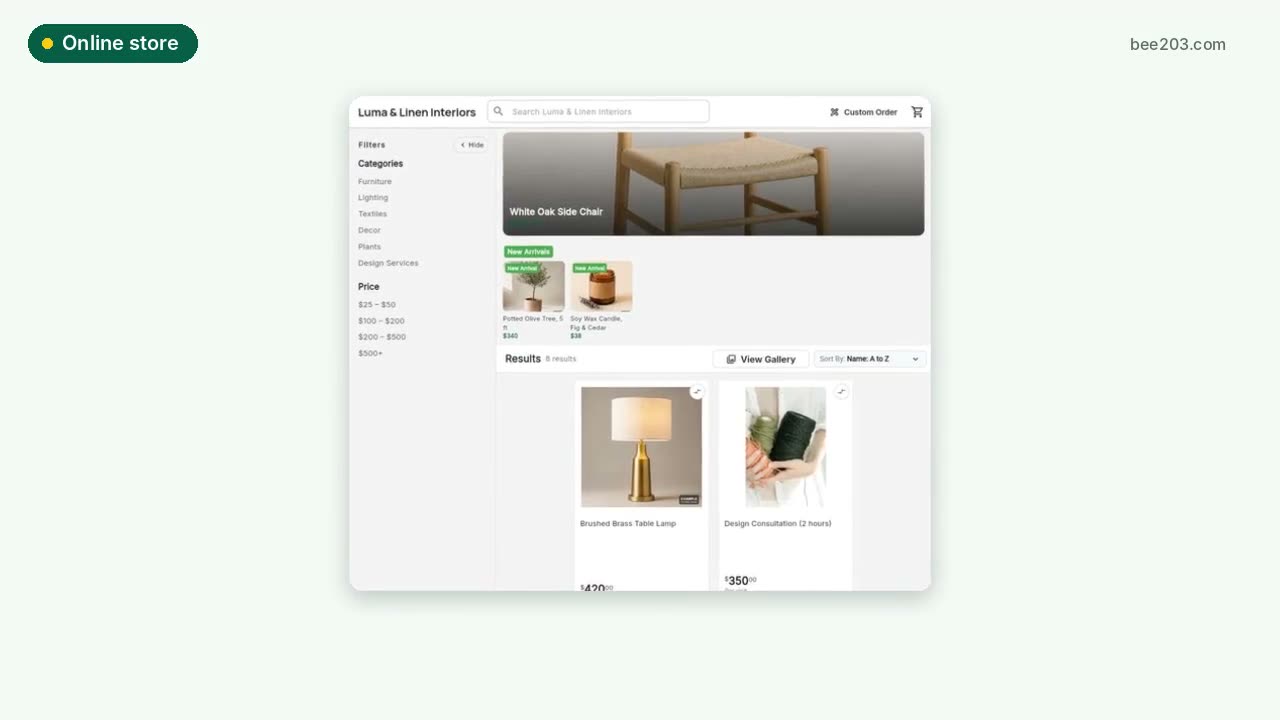 Online store0:15See how it works →
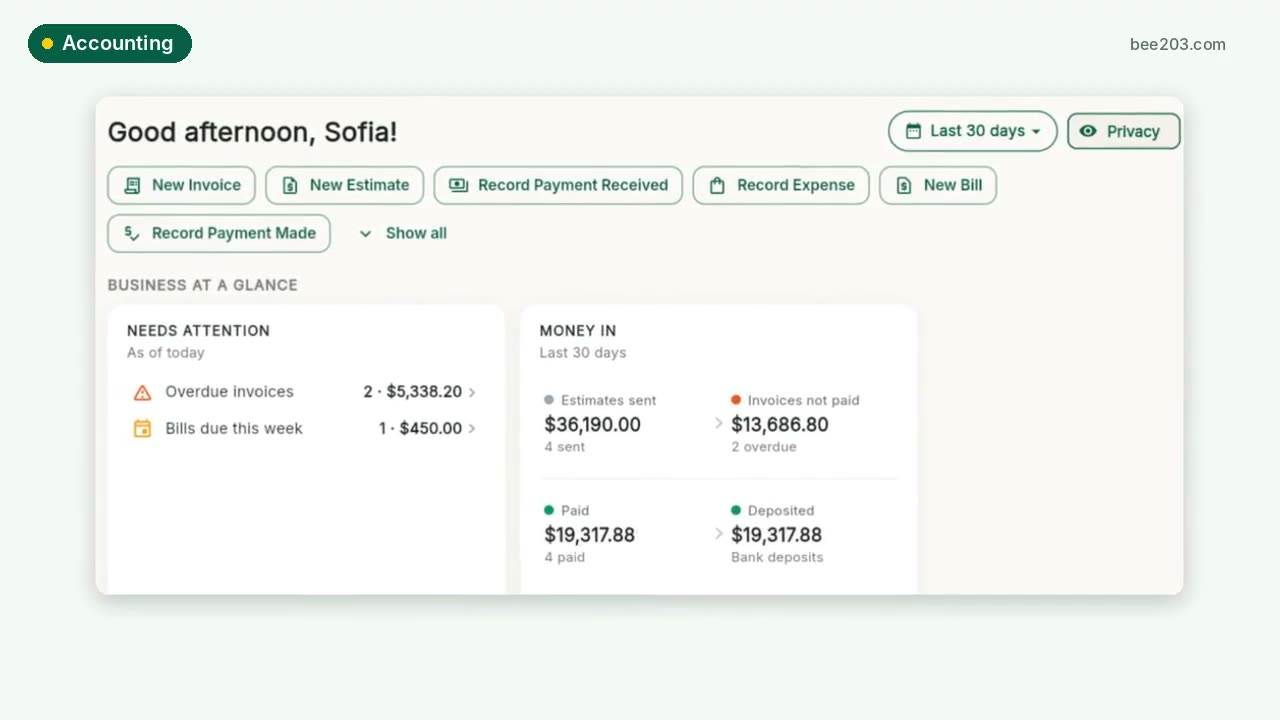 Accounting and job profit0:25See how it works →
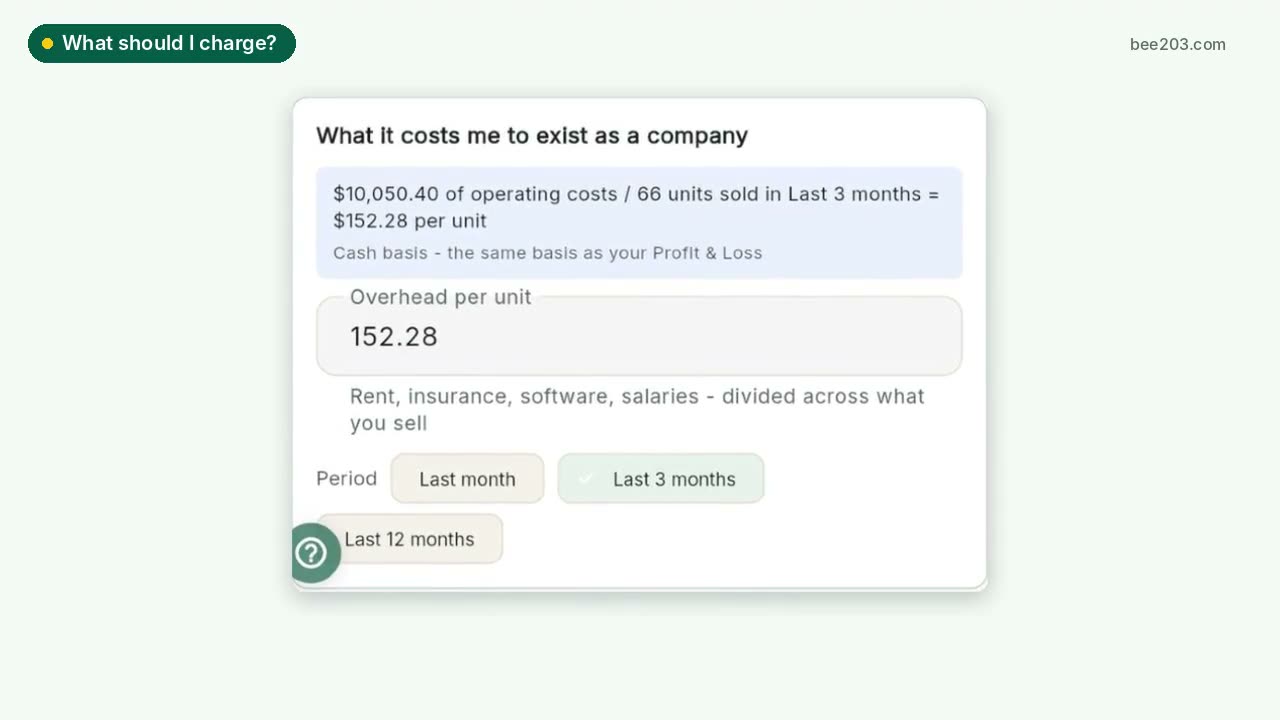 What should I charge?0:25See how it works →
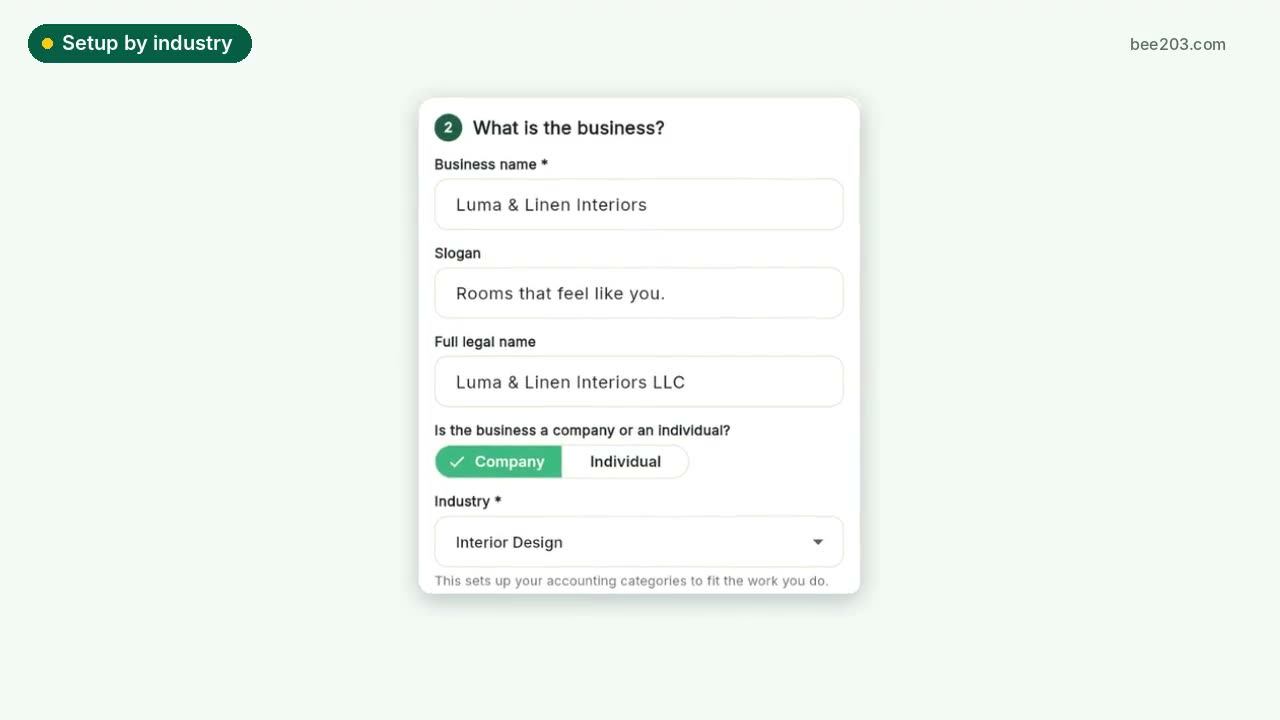 Setup by industry0:20See how it works →
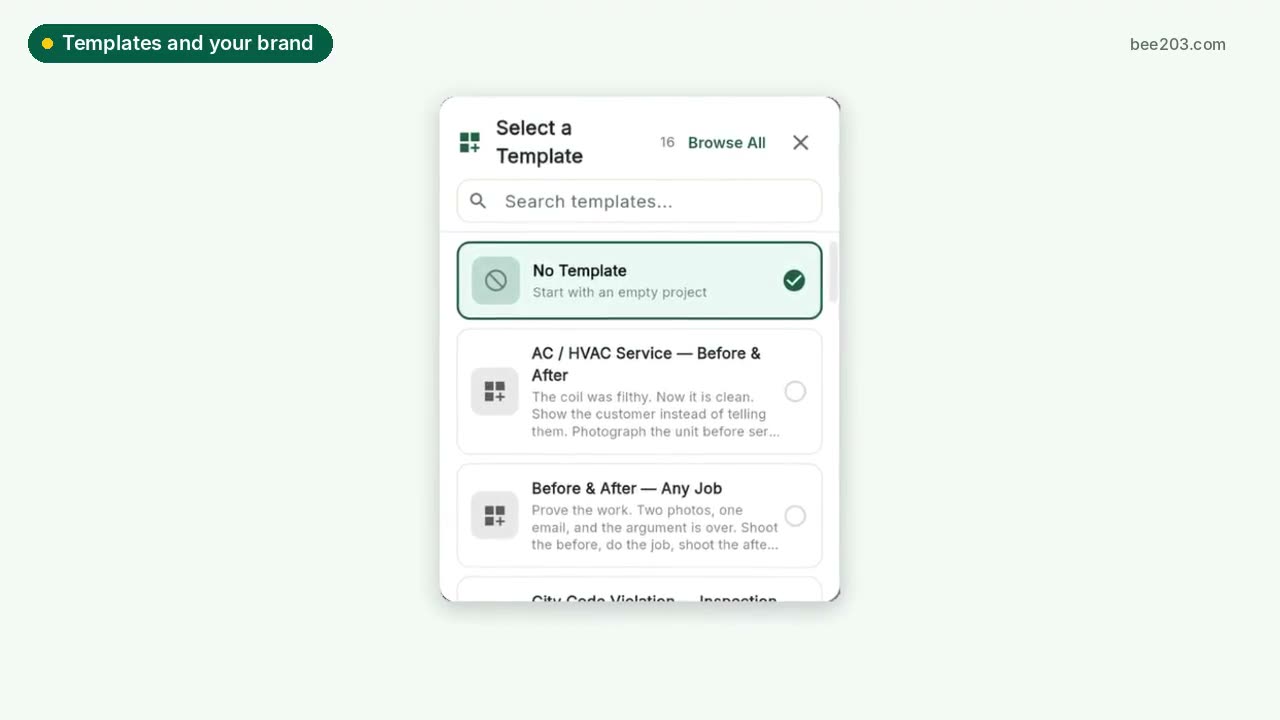 Templates and your brand0:15See how it works →
 Client Project PortalA private portal per client job: room budgets, approvals, client-safe PDF and Excel reports, deposit invoices and job profit.See how it works →
 Designer training: Client Project PortalSet up rooms, propose items, invite your client to approve or decline, and track every order to installed. Video and step by step.See how it works →