 Bee203
Client Project Portal for interior designers: budgets, approvals and reports
Bee203 Client Project Portal is a private client portal for interior designers. You lay out the rooms, propose each piece with its price, and your client approves or declines in the portal. Every room has its own budget, and you can export a client-safe Budget report or Selections Book as PDF or Excel in one tap. Your cost, vendors and order numbers never appear in anything the client sees.
Read how it works: Client Project Portal for interior designersDesigner training: Client Project Portal
Transcript
This is the Bee203 Client Project Portal: selections, approvals, budgets and reports for interior designers, in English and Spanish. Invite your client to a private portal. They sign in with a one time code, see every room with prices and totals, and approve or decline each item from their phone. Give the project a budget, and each room its own. You both see what is approved, what is waiting, and what is left, room by room. Open Reports and export a Client Budget or a Selections Book as PDF or Excel. They are safe to share, with no cost, vendors or order numbers. Your team gets Item Status and Job Financials. When items are approved, bill them as a deposit or the full amount, then make one draft purchase order per vendor at your cost. Job Profit shows your real margin. Every item moves from proposed to installed, with the date of each step, so nothing gets lost between the order and the install. Your costs and vendors never reach the client, and location data is removed from photos. Start free at bee203.com. Bee203 is a product of Cabana West, Florida, USA.
More Bee203 videos
 Bee203 tour4:42See how it works →
 Why Bee2030:12See how it works →
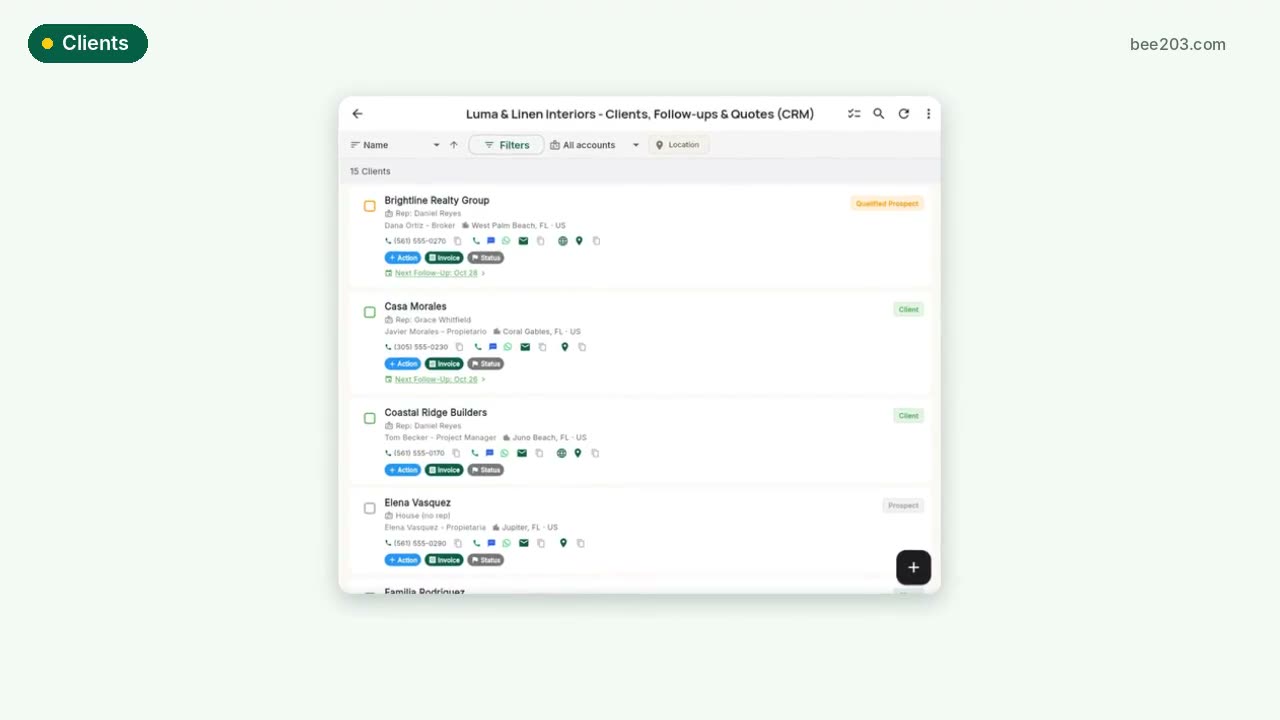 Clients in one tap0:20See how it works →
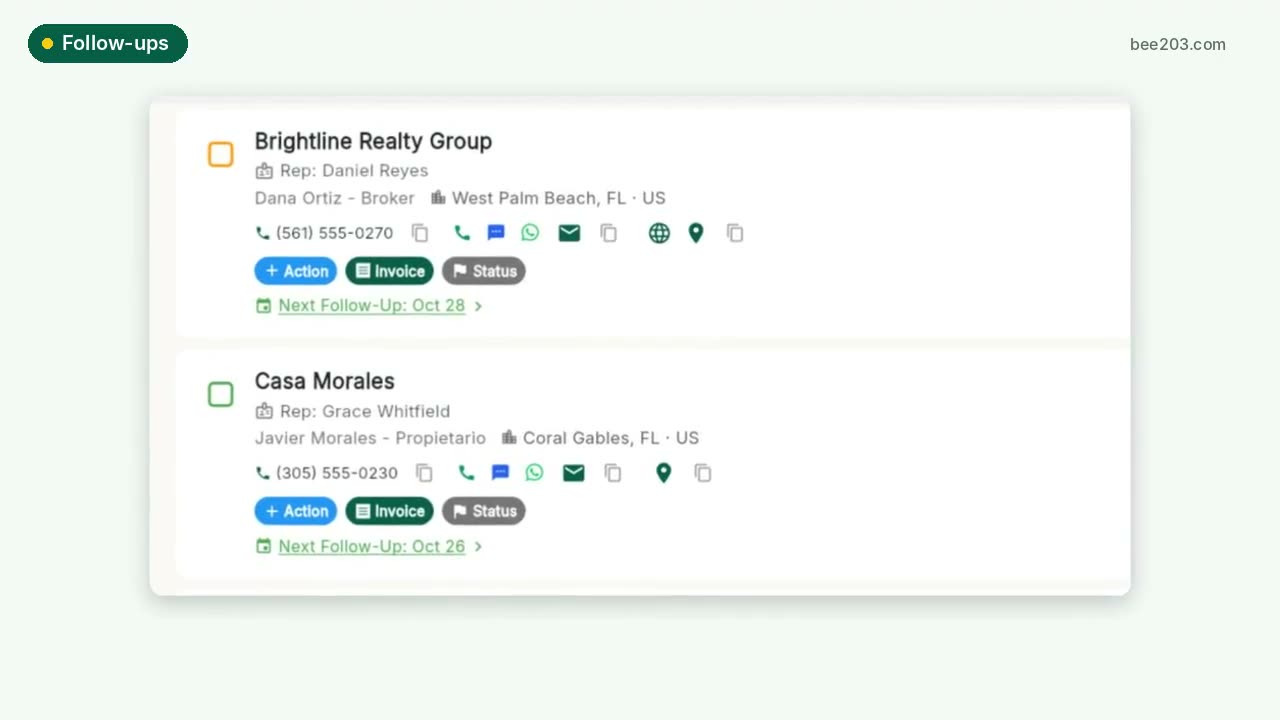 Follow-ups that don't slip0:15See how it works →
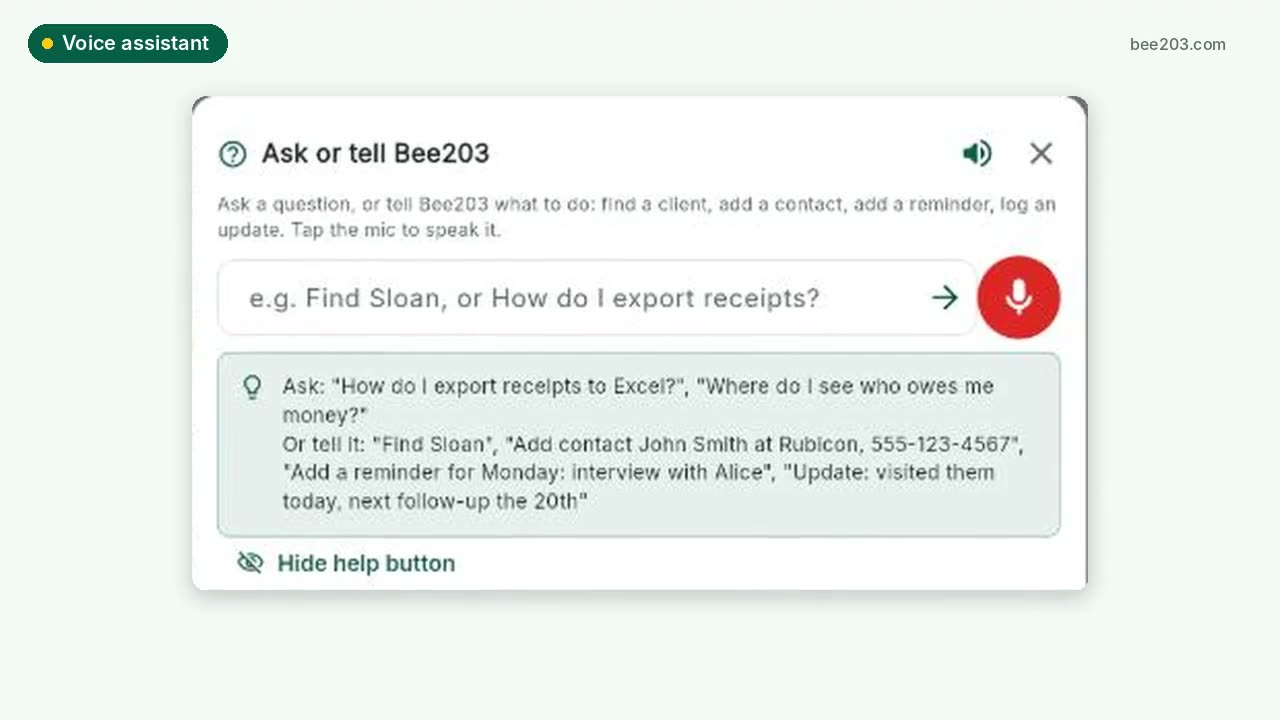 Voice assistant0:20See how it works →
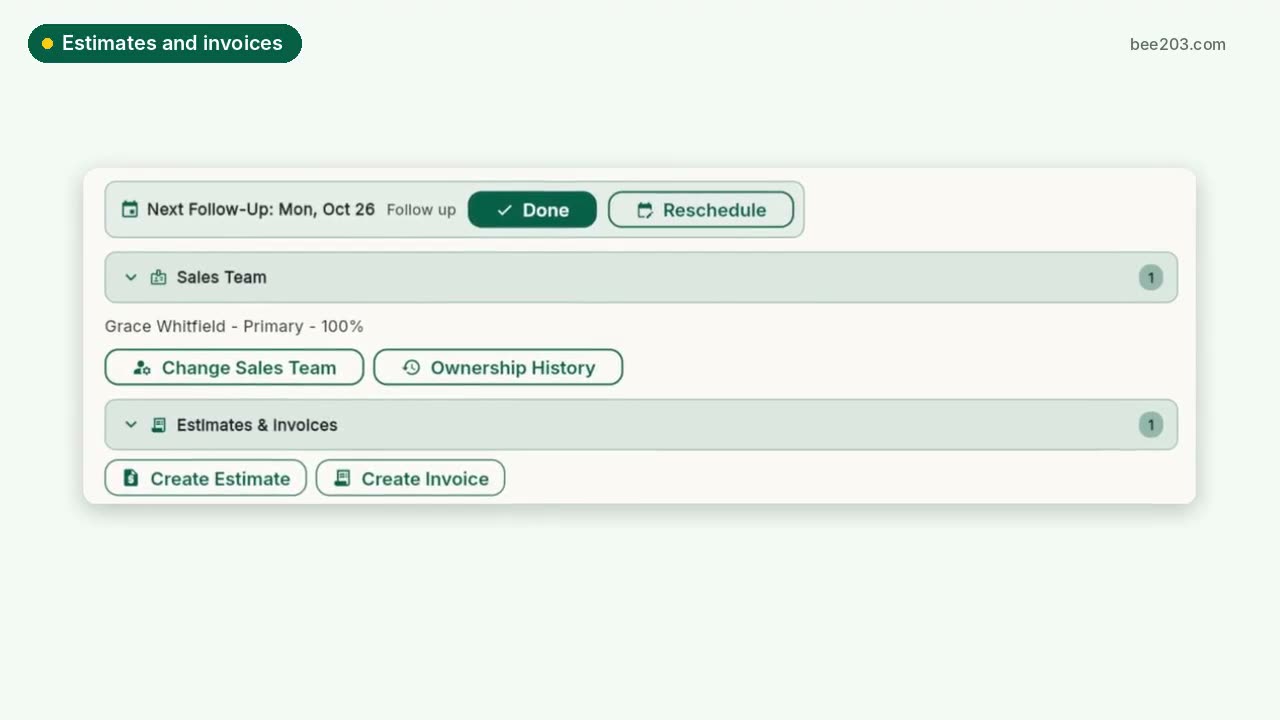 Estimates, invoices and card payments0:25See how it works →
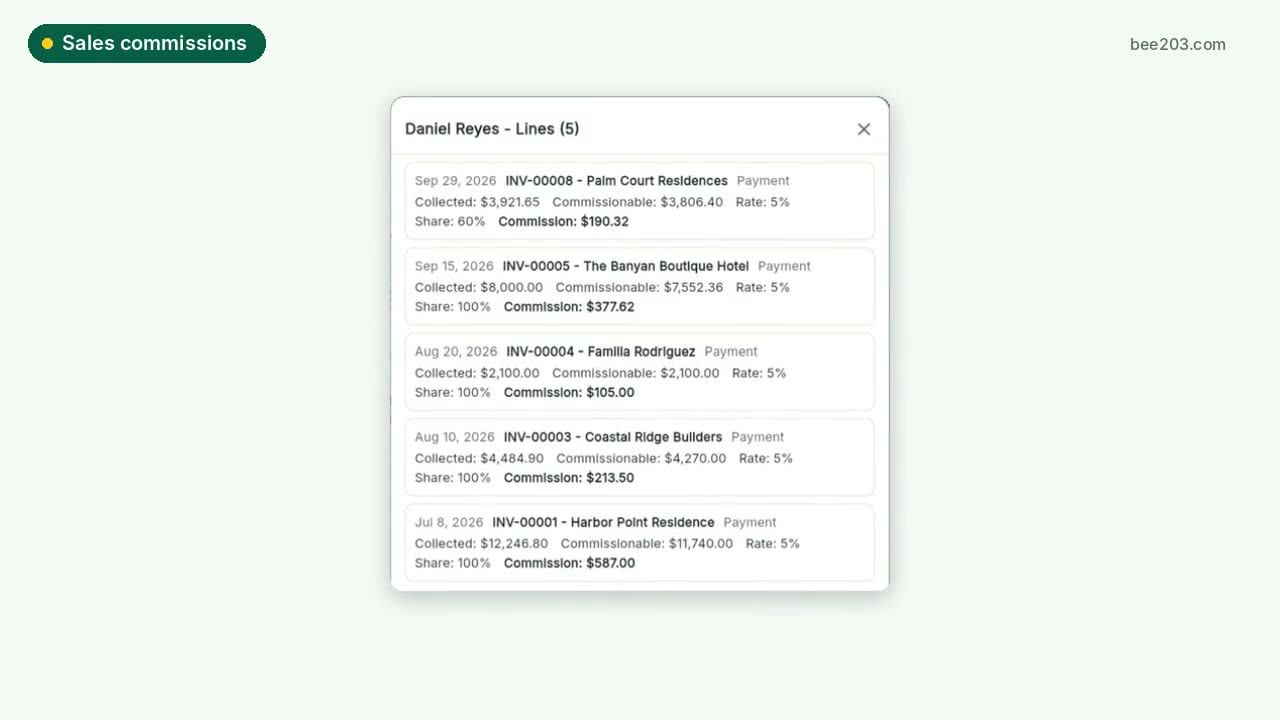 Sales commissions and bonuses0:30See how it works →
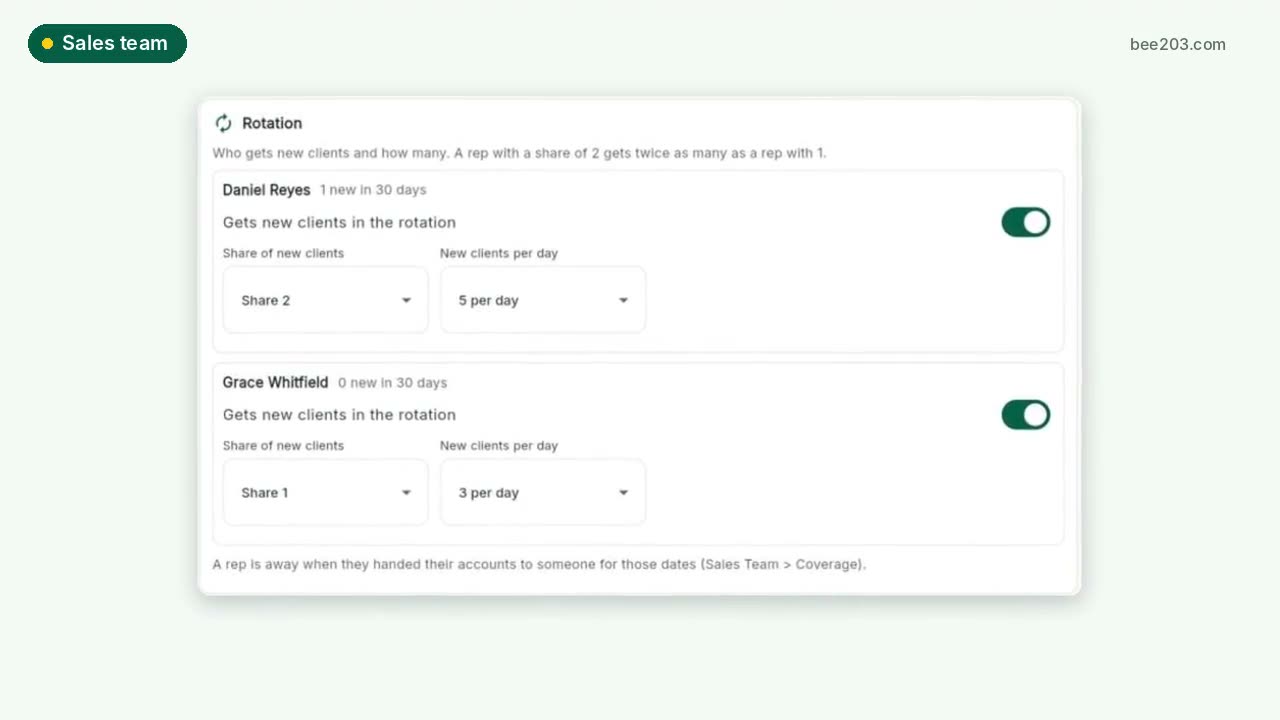 Sales team: rotation, grades, targets0:30See how it works →
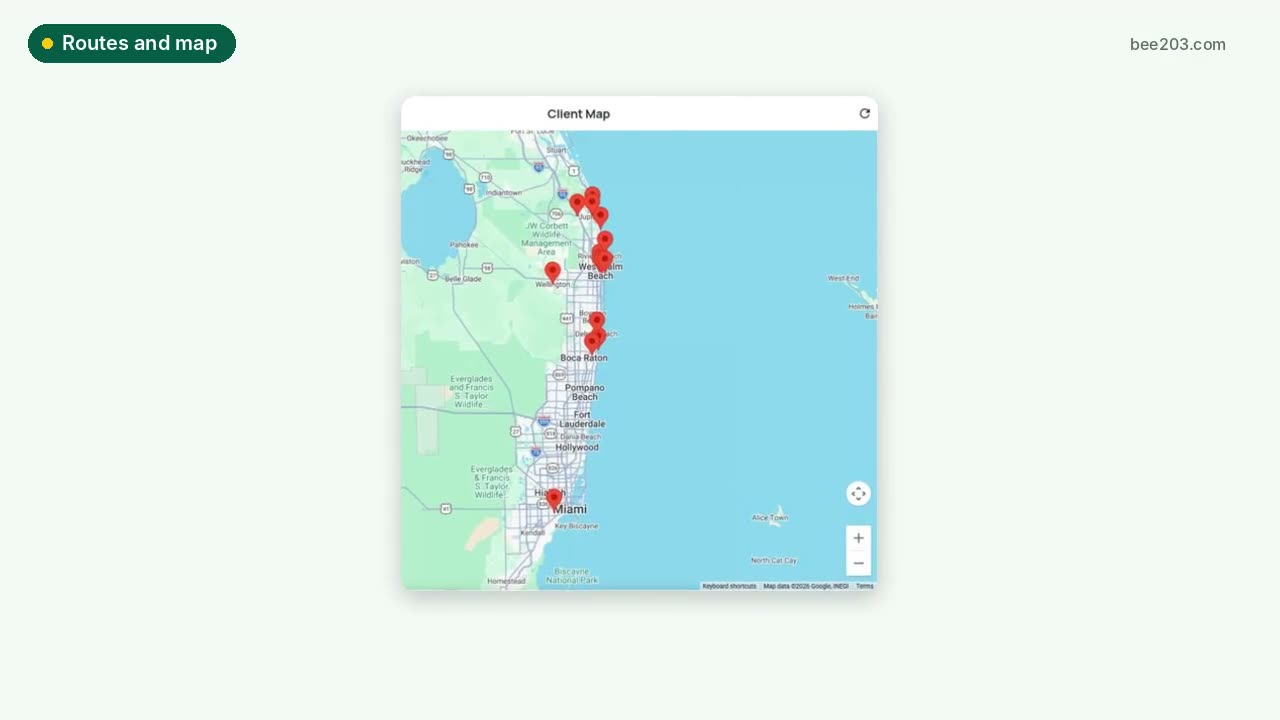 Routes and client map0:15See how it works →
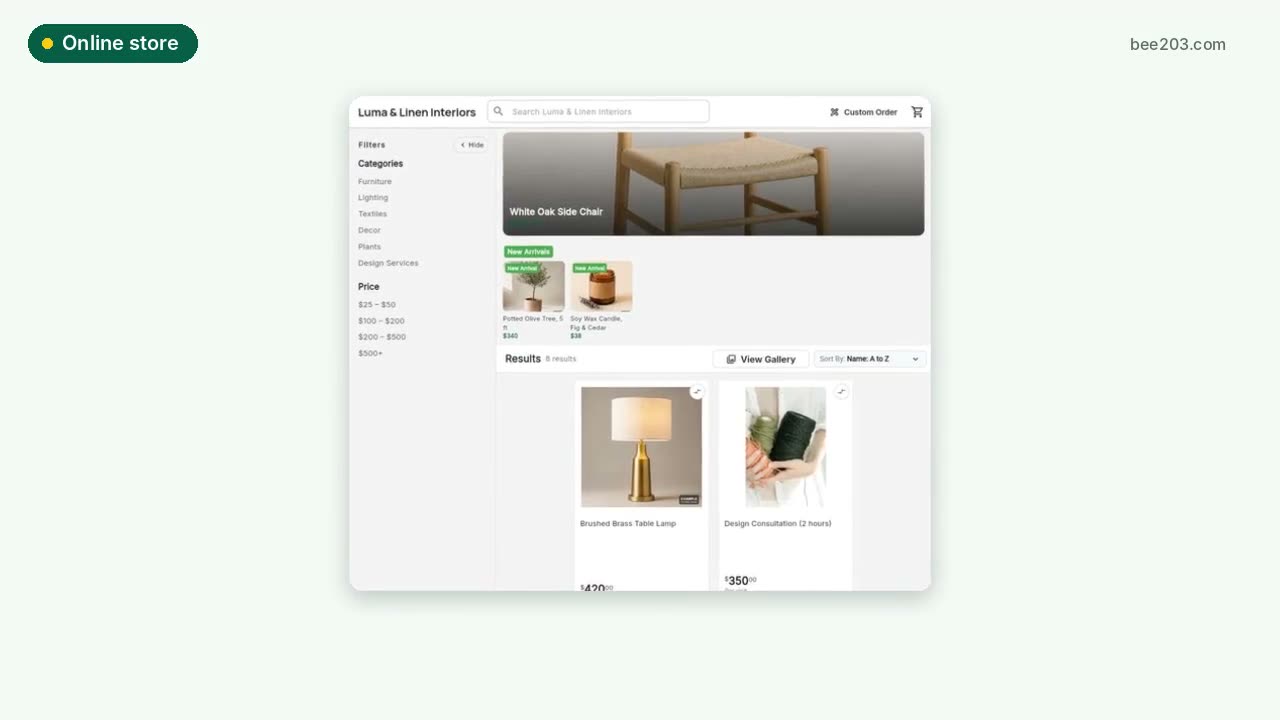 Online store0:15See how it works →
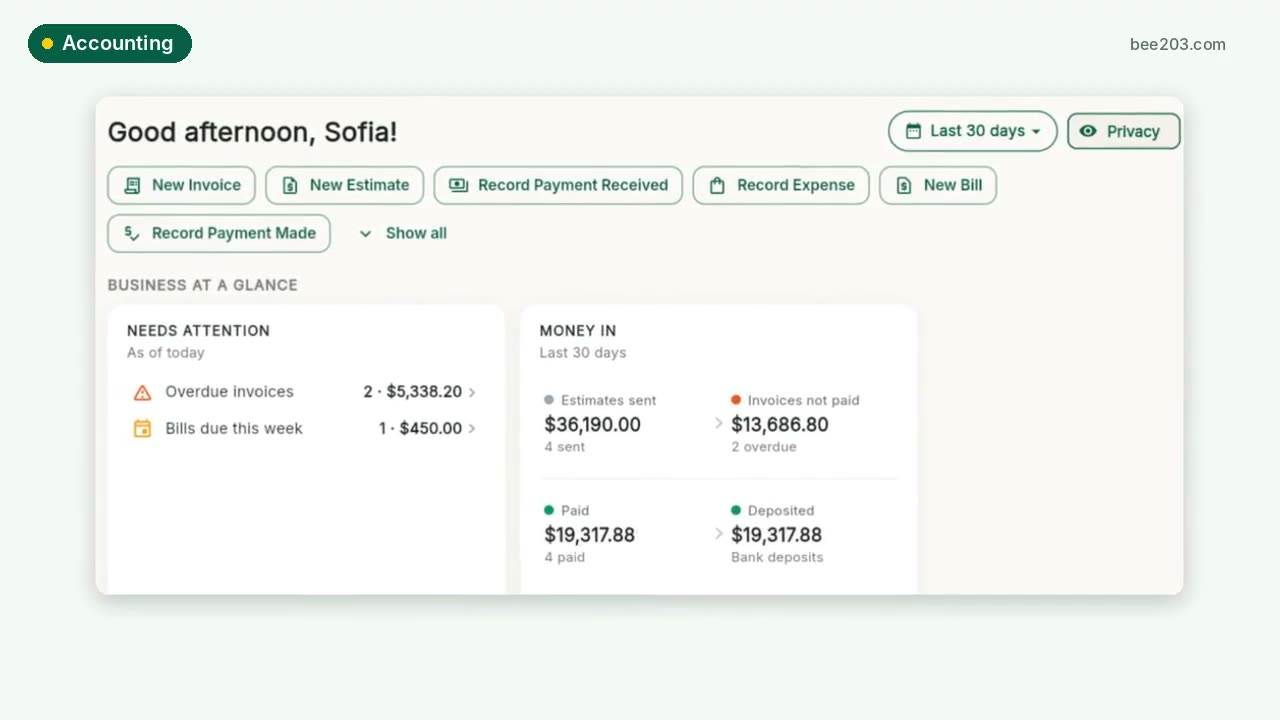 Accounting and job profit0:25See how it works →
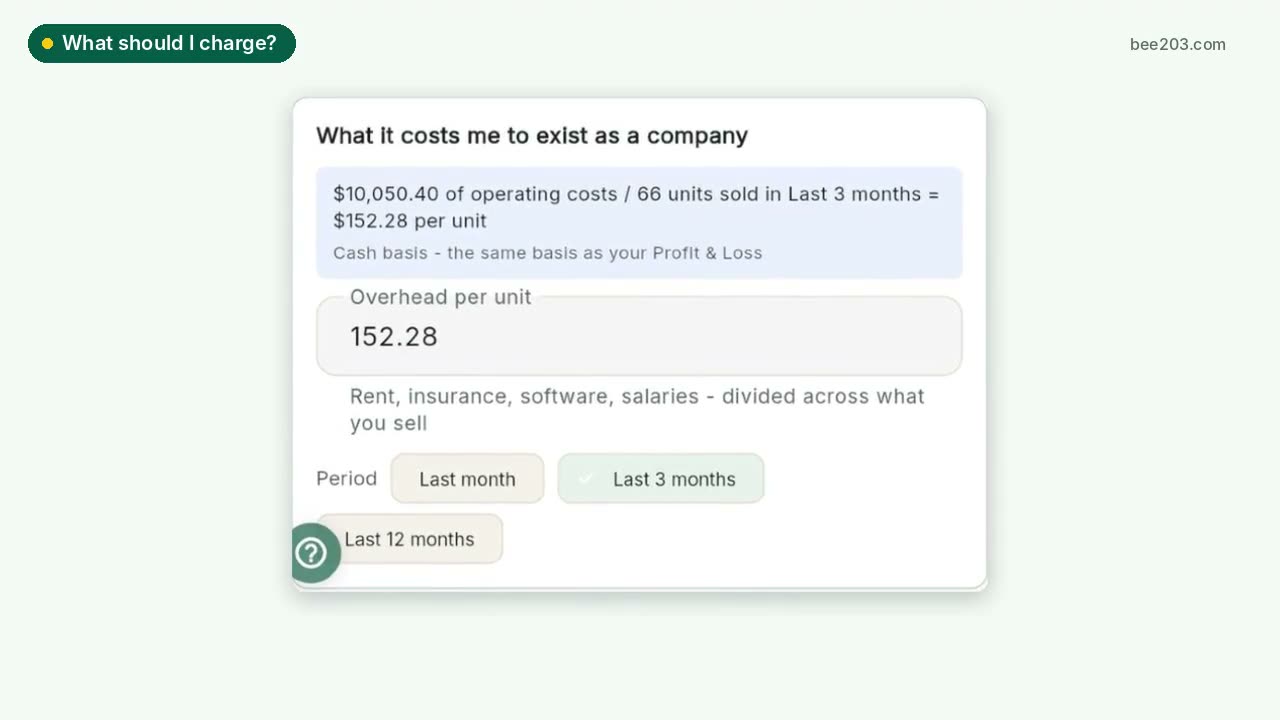 What should I charge?0:25See how it works →
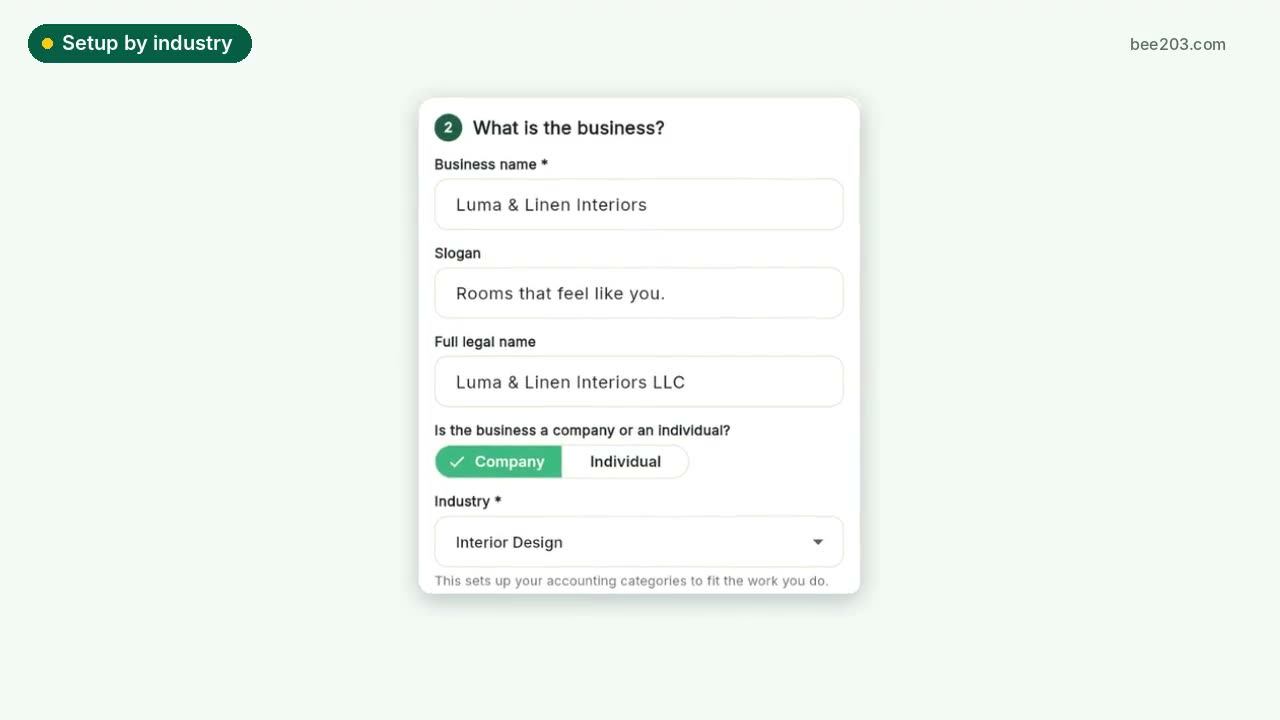 Setup by industry0:20See how it works →
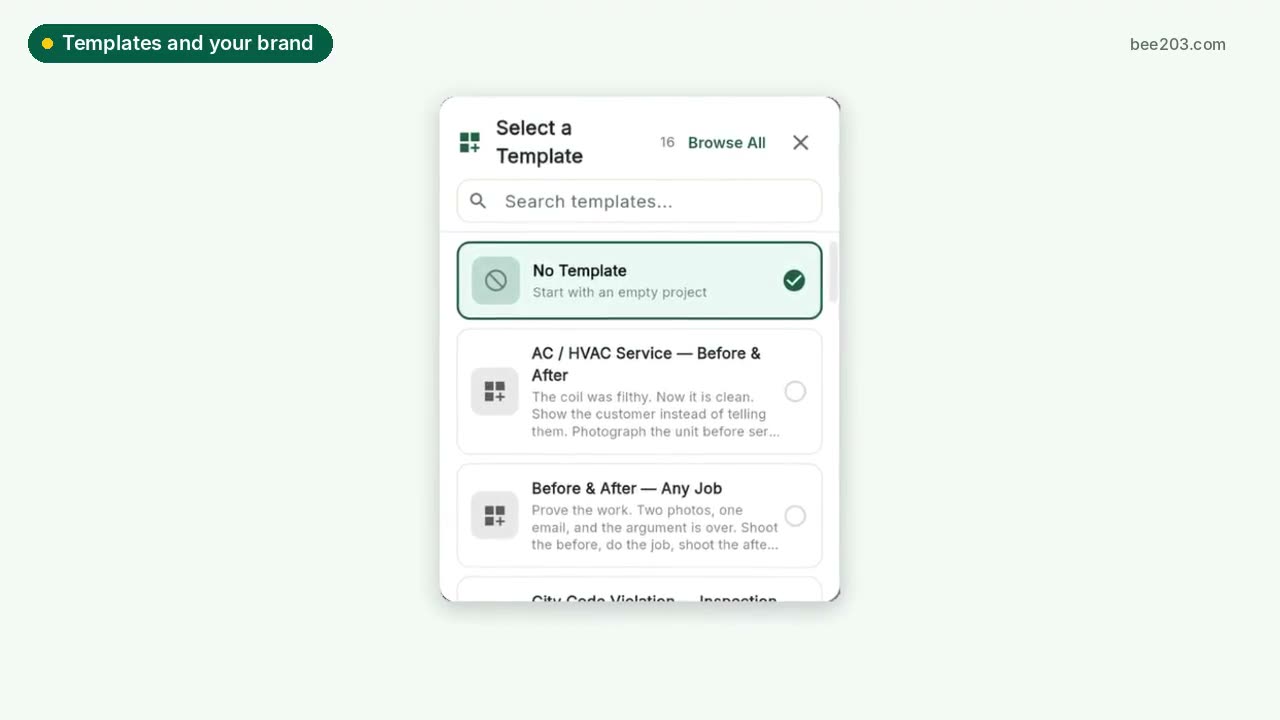 Templates and your brand0:15See how it works →
 Designer training: Client Project PortalSet up rooms, propose items, invite your client to approve or decline, and track every order to installed. Video and step by step.See how it works →